Getting Started with ChapterDesk
Auto-generated on 2026-10-26
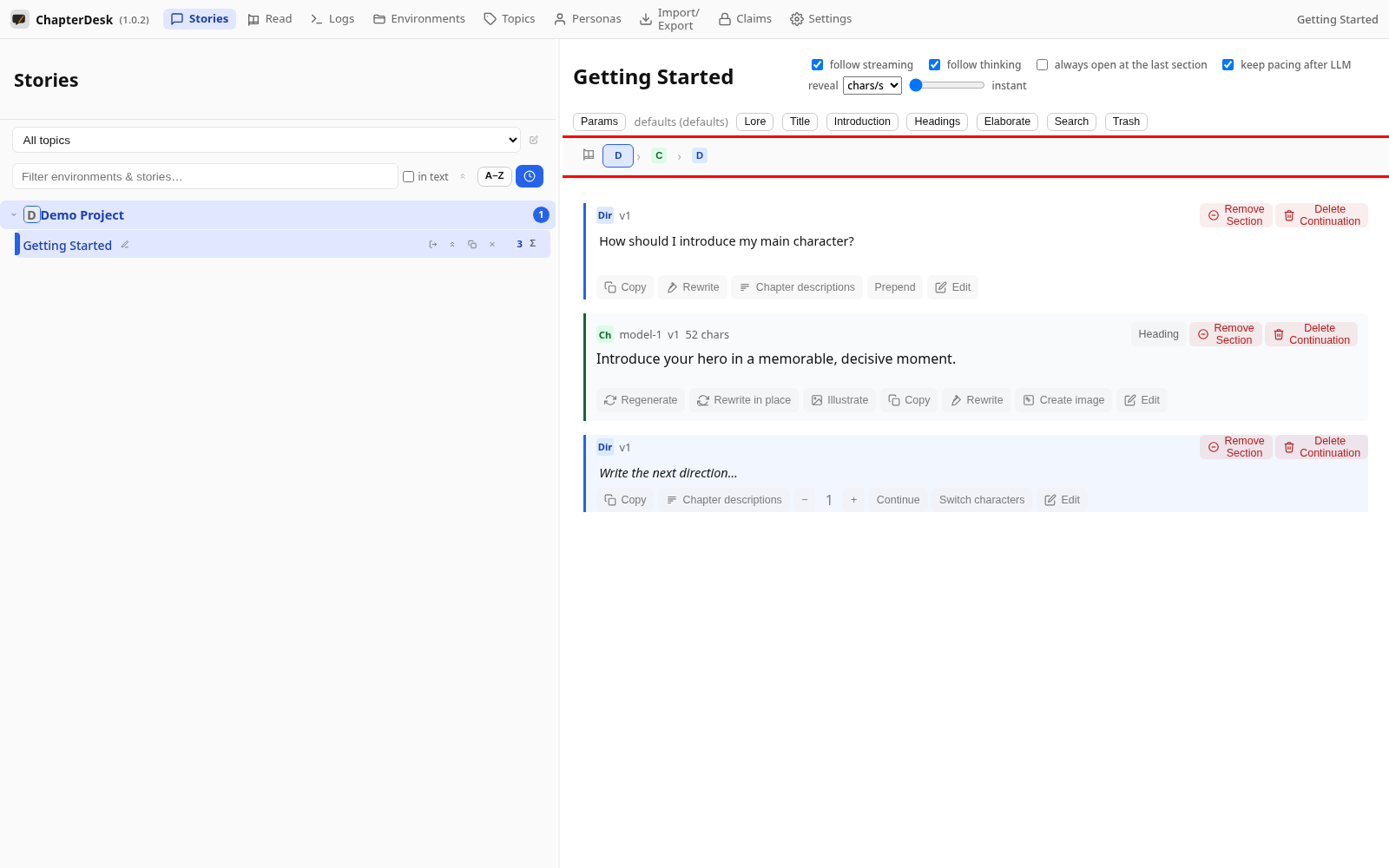
Step 01: Open the application
Launch ChapterDesk. The left sidebar lists your books (environments) and their stories.
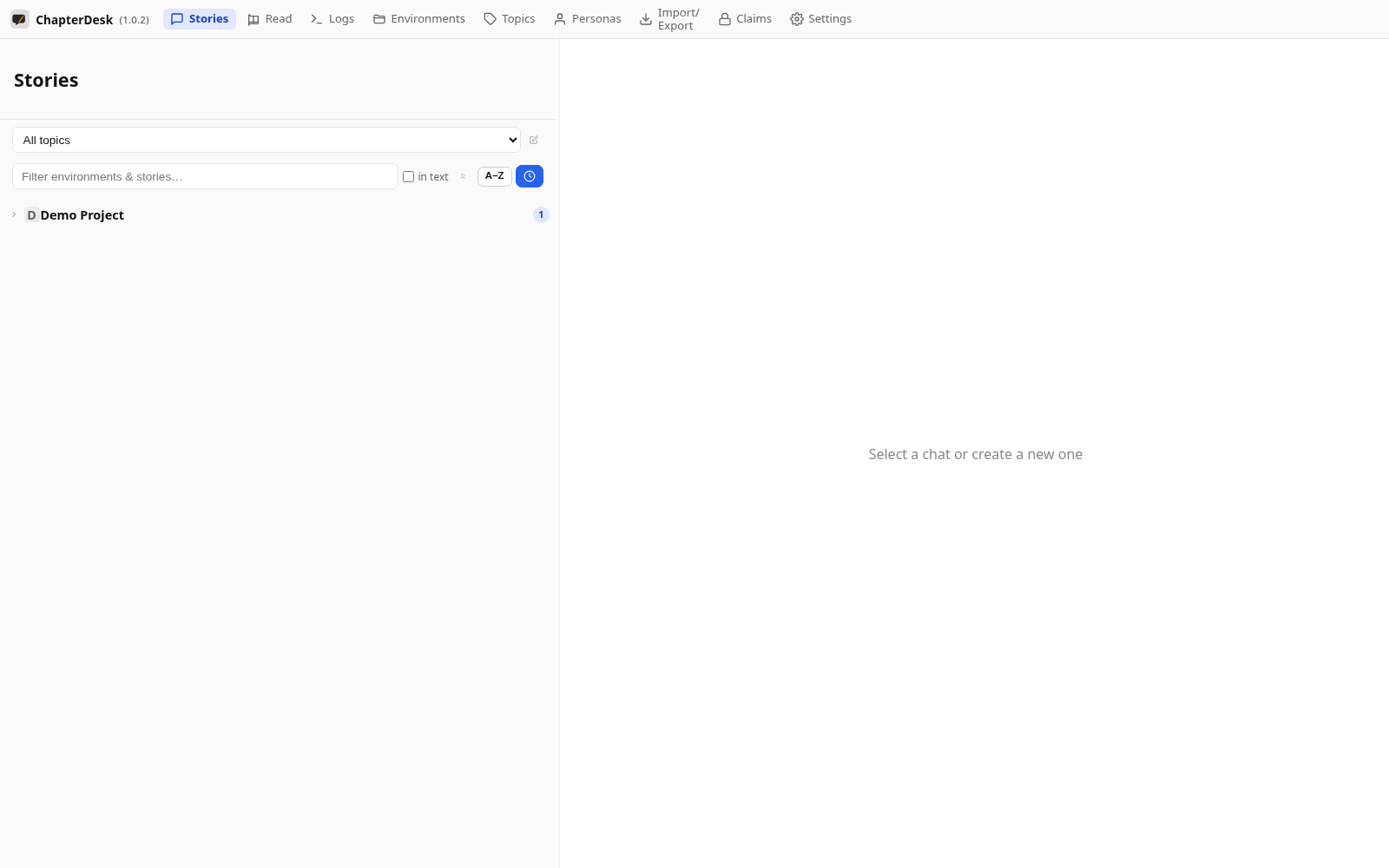
Step 02: Open a story
Click a story in the sidebar. Its sections (directions and chapters) unfold in the tree.
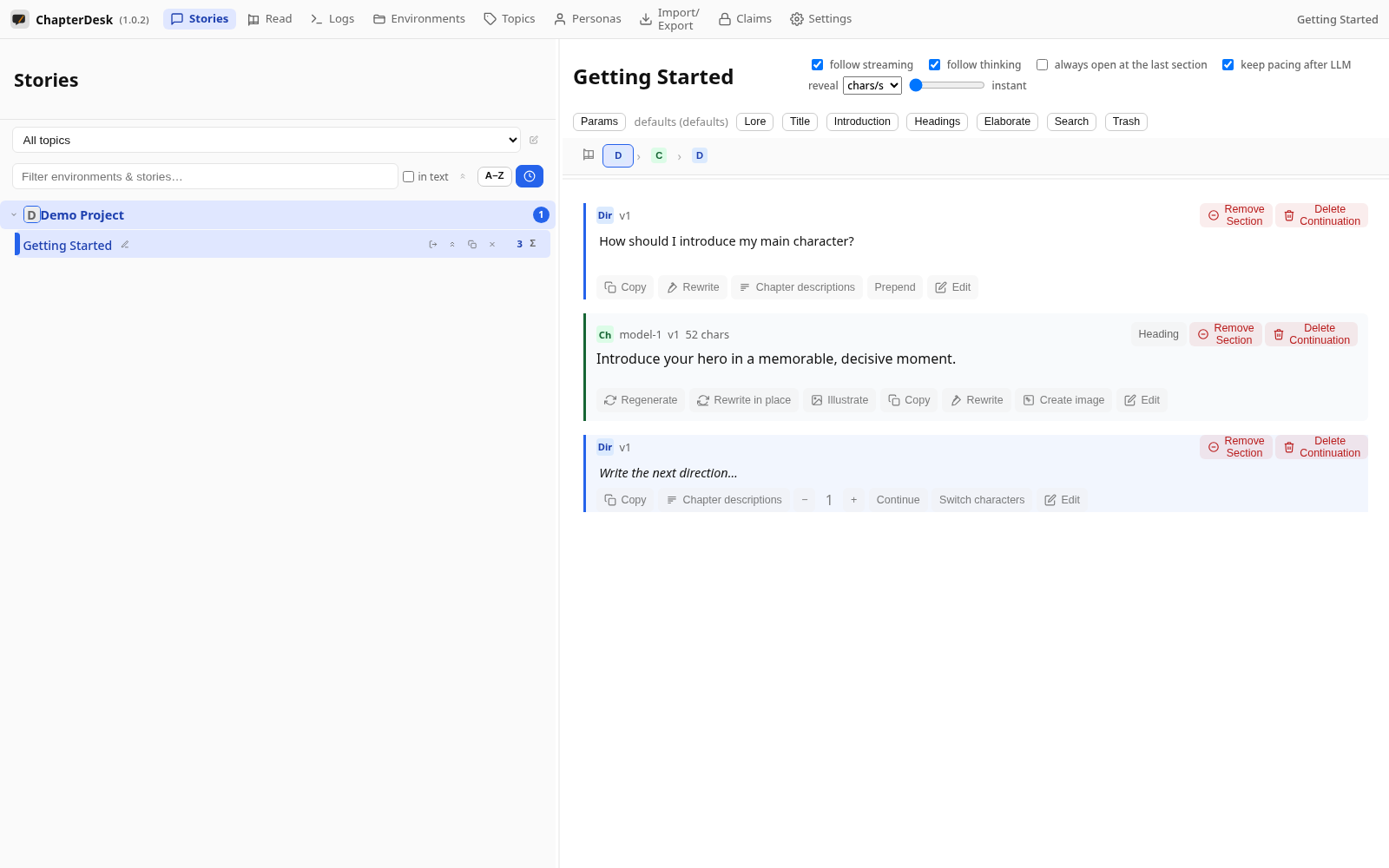
Step 03: Read the story
Scroll through the sections. The navigation bar at the bottom takes you to any section of the current continuation.