Illustrate your chapters
Auto-generated on 2026-10-26
Step 01: Open a story
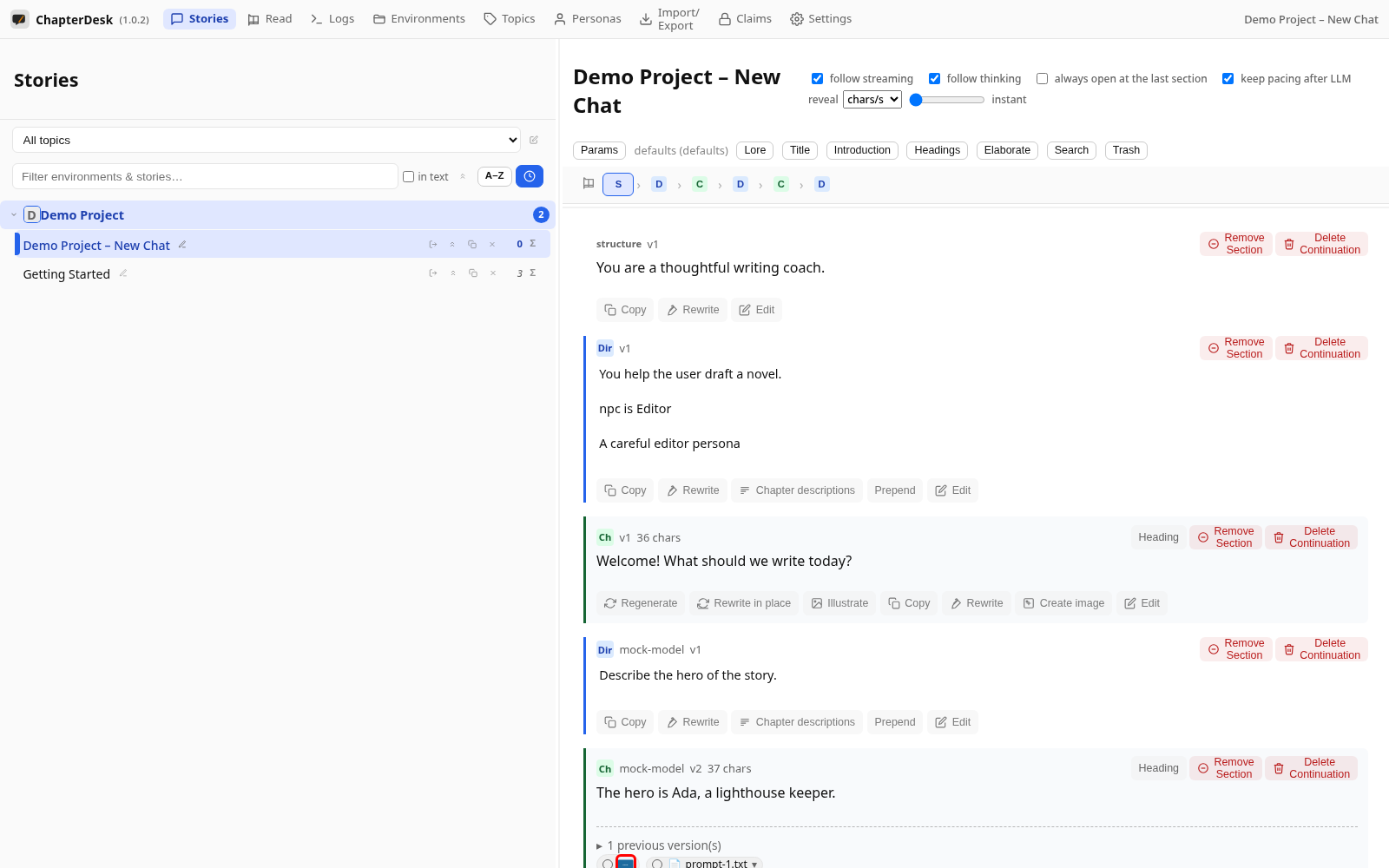
Create a fresh story and ask a direction. The mock model writes a short chapter.
Step 02: Open Illustrate
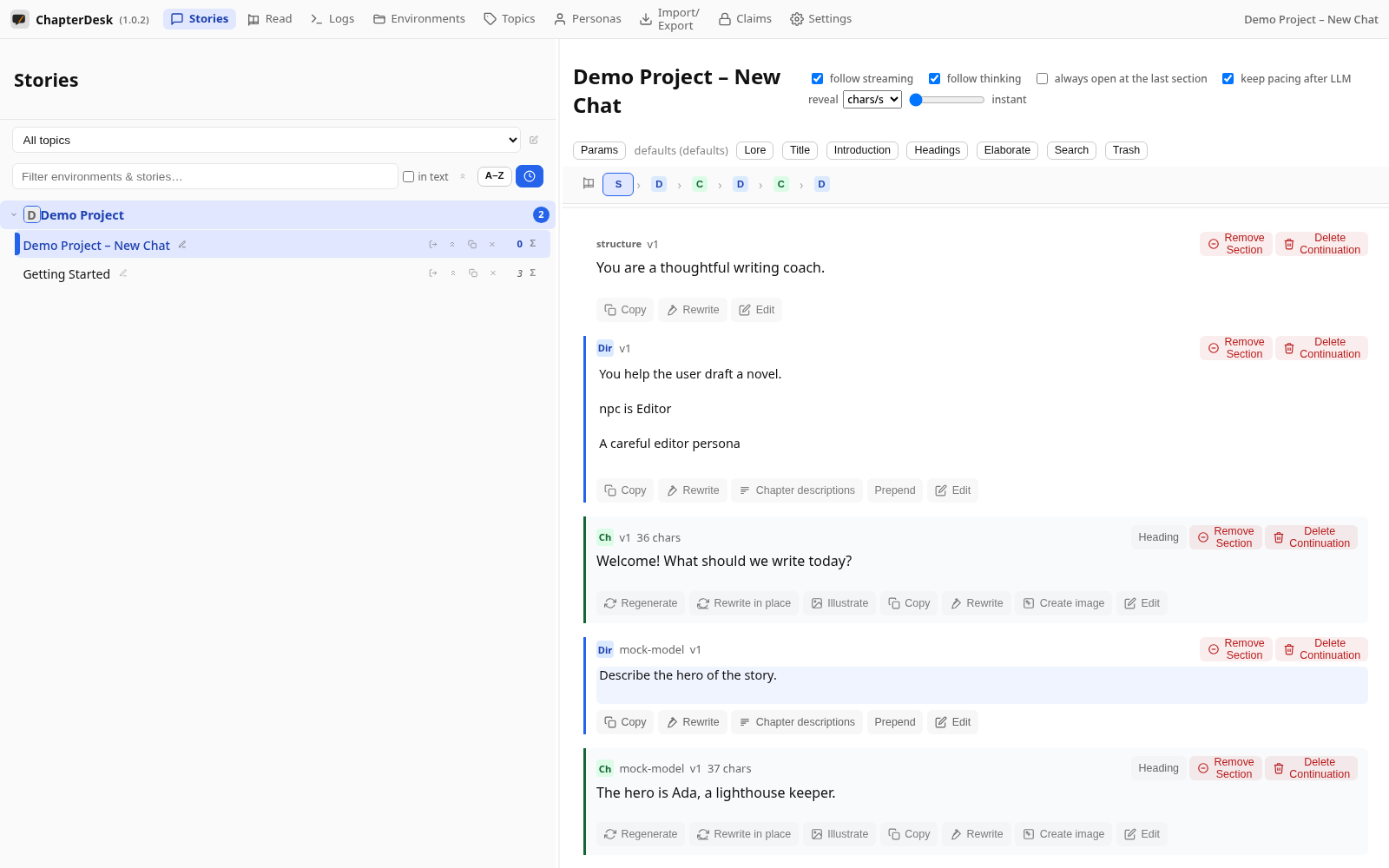
On the chapter card, click Illustrate. The dialog lets you choose the model, the story context and the number of pictures.
Step 03: See the generated picture
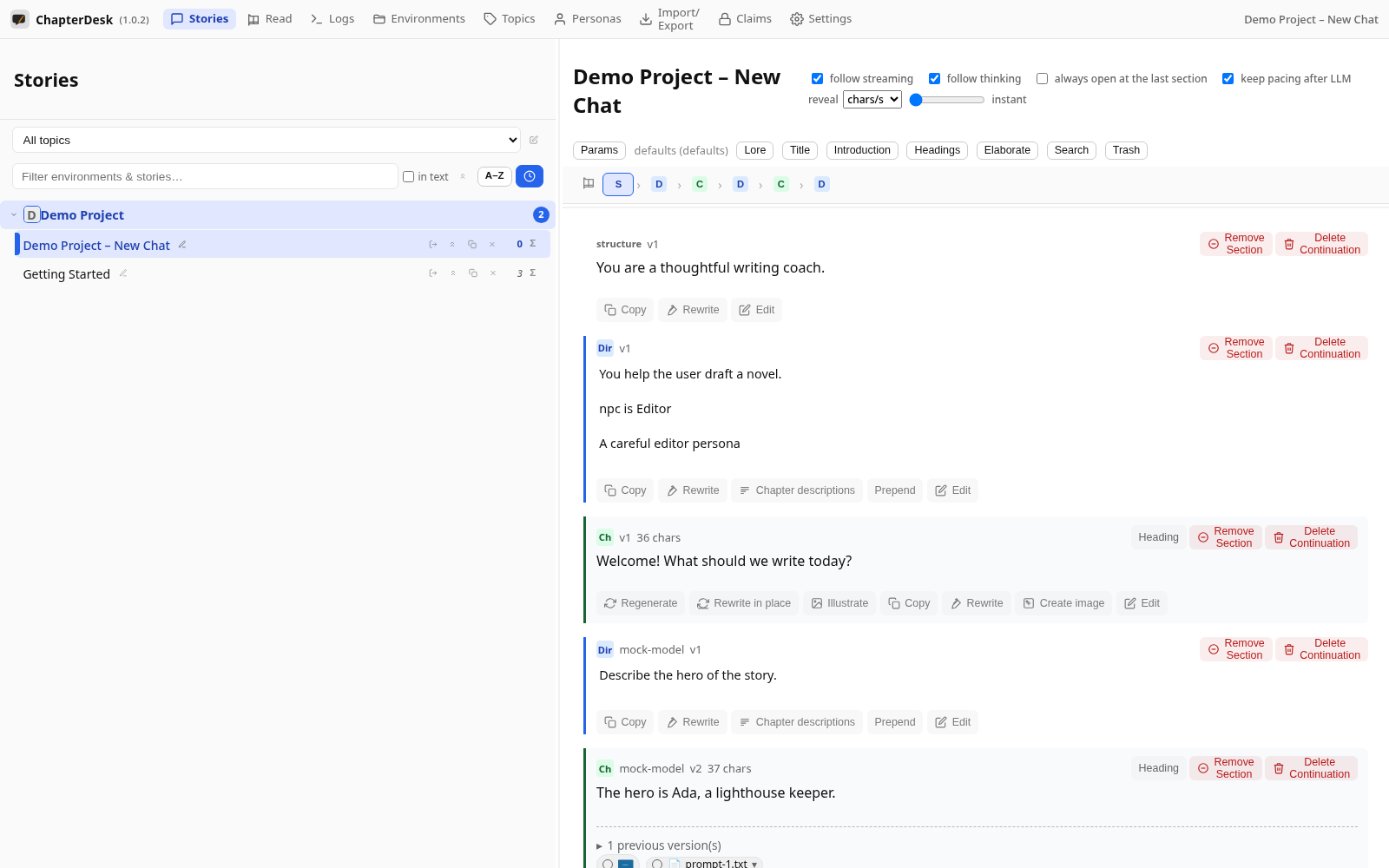
When the model returns an image it is attached to the chapter as a thumbnail — shown in the tree and exported with the story.