Story lore — canon for every prompt
Auto-generated on 2026-10-27
Step 01: Open the application
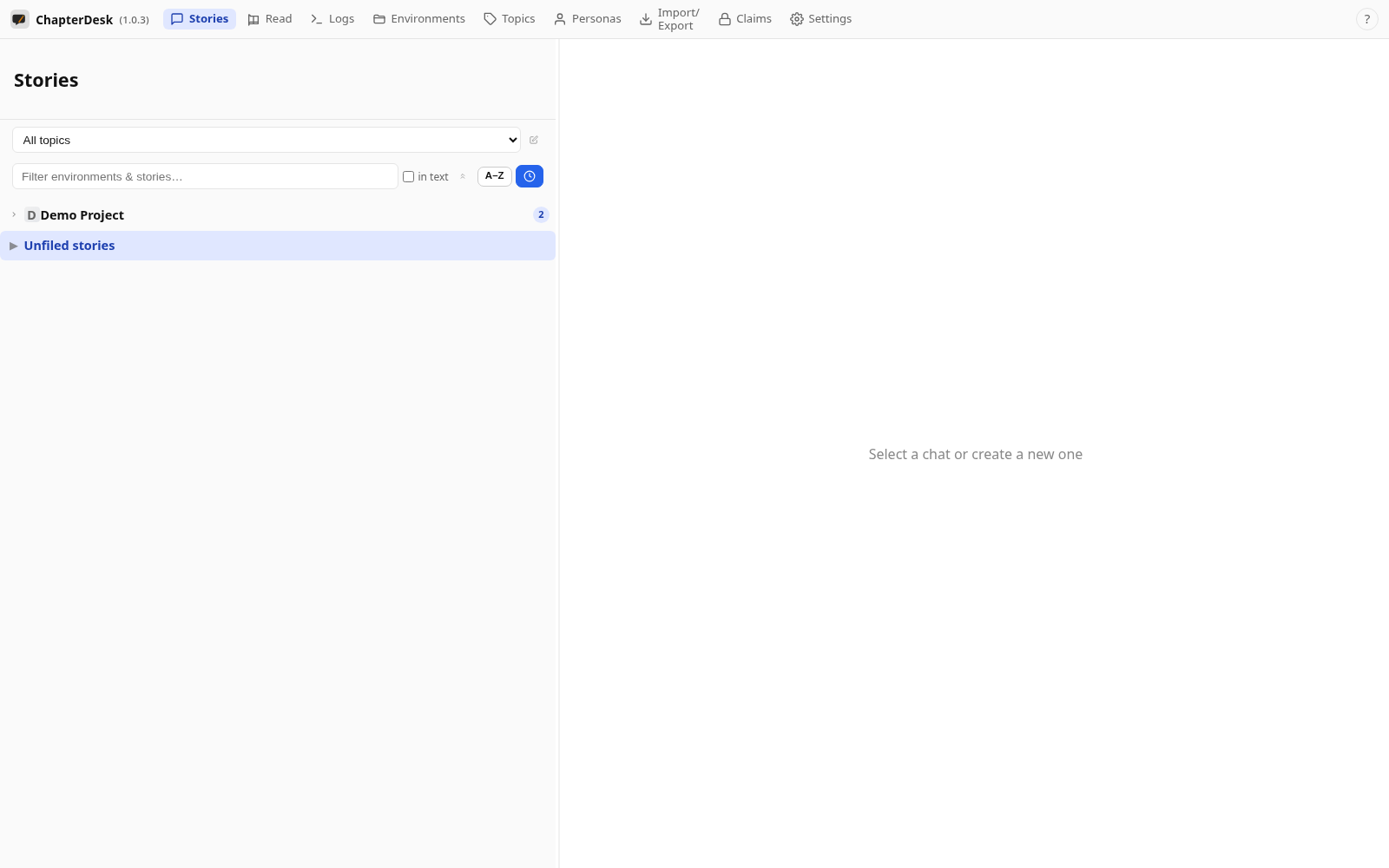
Launch ChapterDesk. Your books and stories are listed in the left sidebar.
Step 02: Open a fresh story
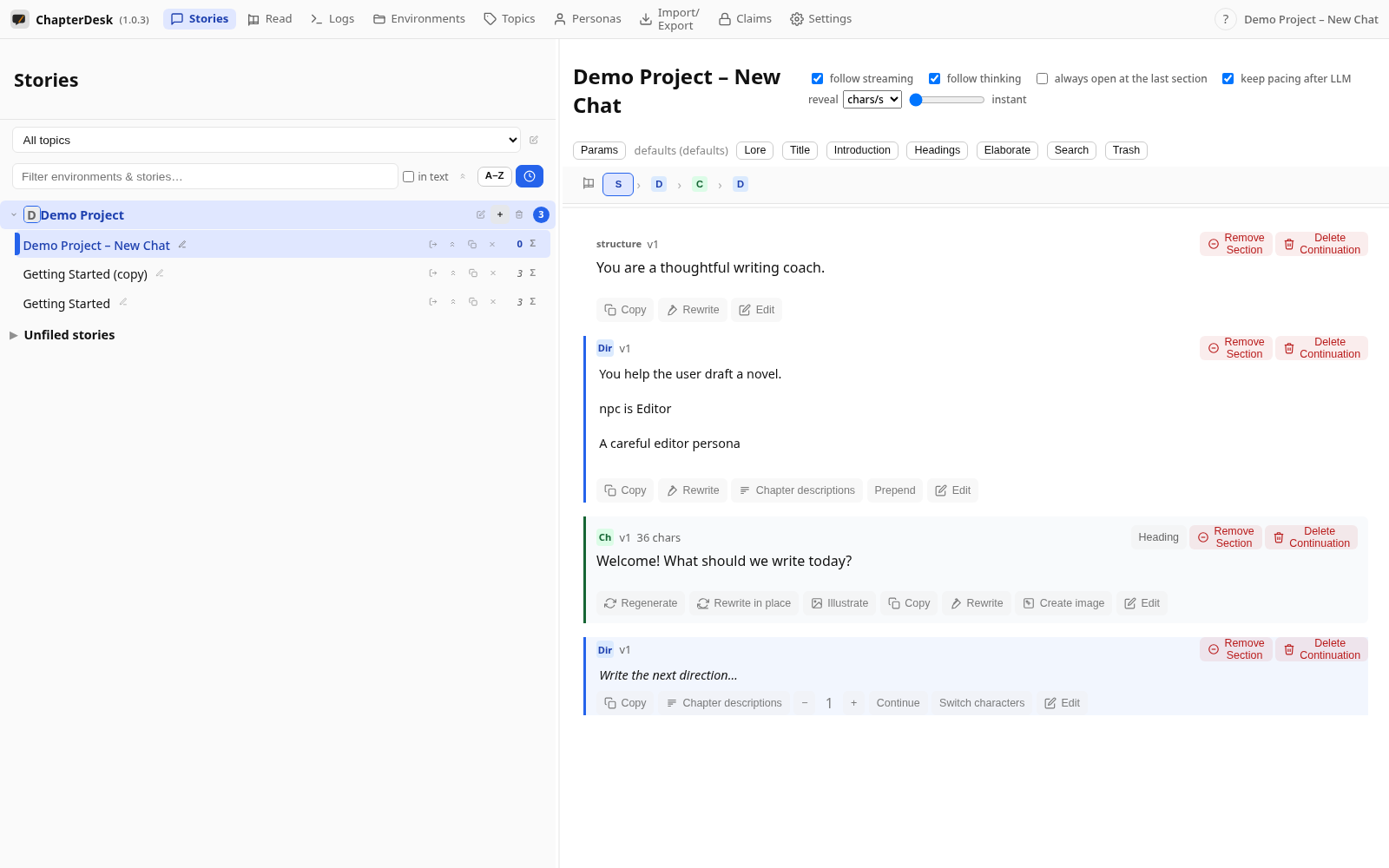
Click New story in a book. ChapterDesk opens an empty story with a composer at the end.
Step 03: Open the Story Lore dialog
The Lore button in the toolbar opens the per-story lore dialog. Lore is a short set of never-miss world facts the model must respect and never contradict.
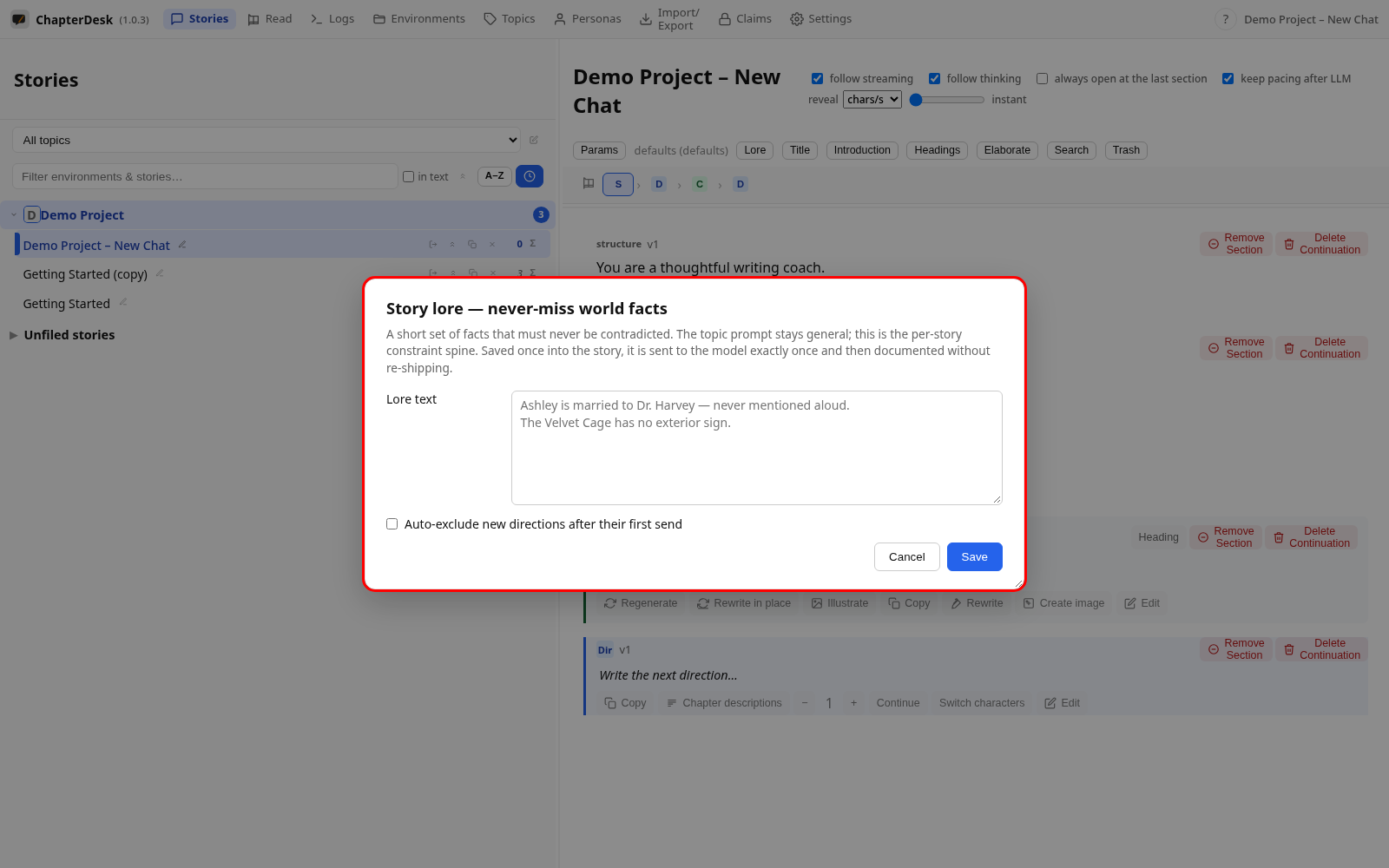
Step 04: Enter the lore text
Type the facts that must always hold, then Save. The toolbar now shows Lore ✓. Auto-exclude new directions after their first send keeps the chat lean by sending each new direction once and then removing it from the history the model sees.
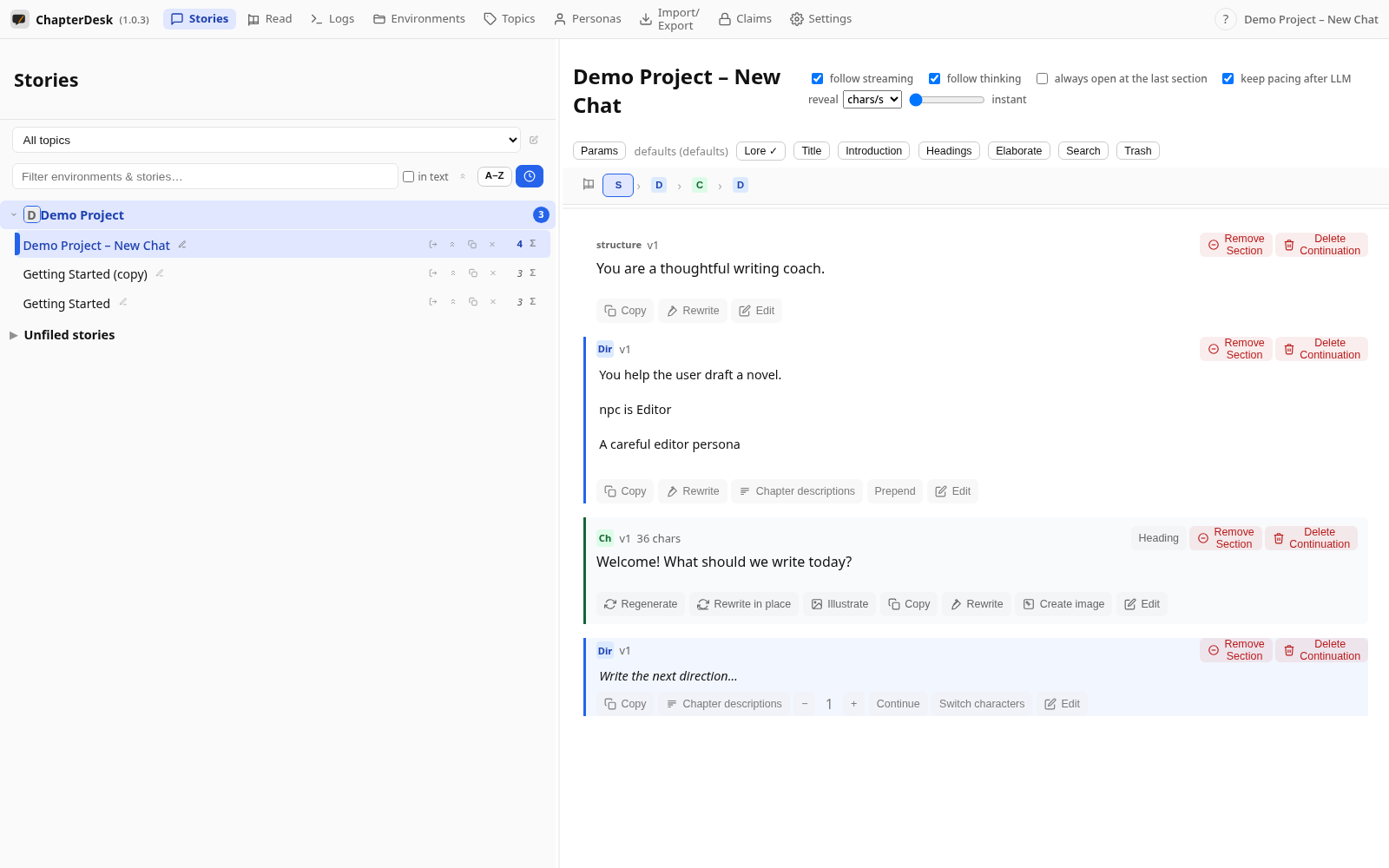
Step 05: Send a direction
Write the next direction and press Ctrl+Enter. Just before the prompt is sent, the lore is materialized as its own node right in front of the direction, wrapped in canon markers so the model treats it as fixed lore.
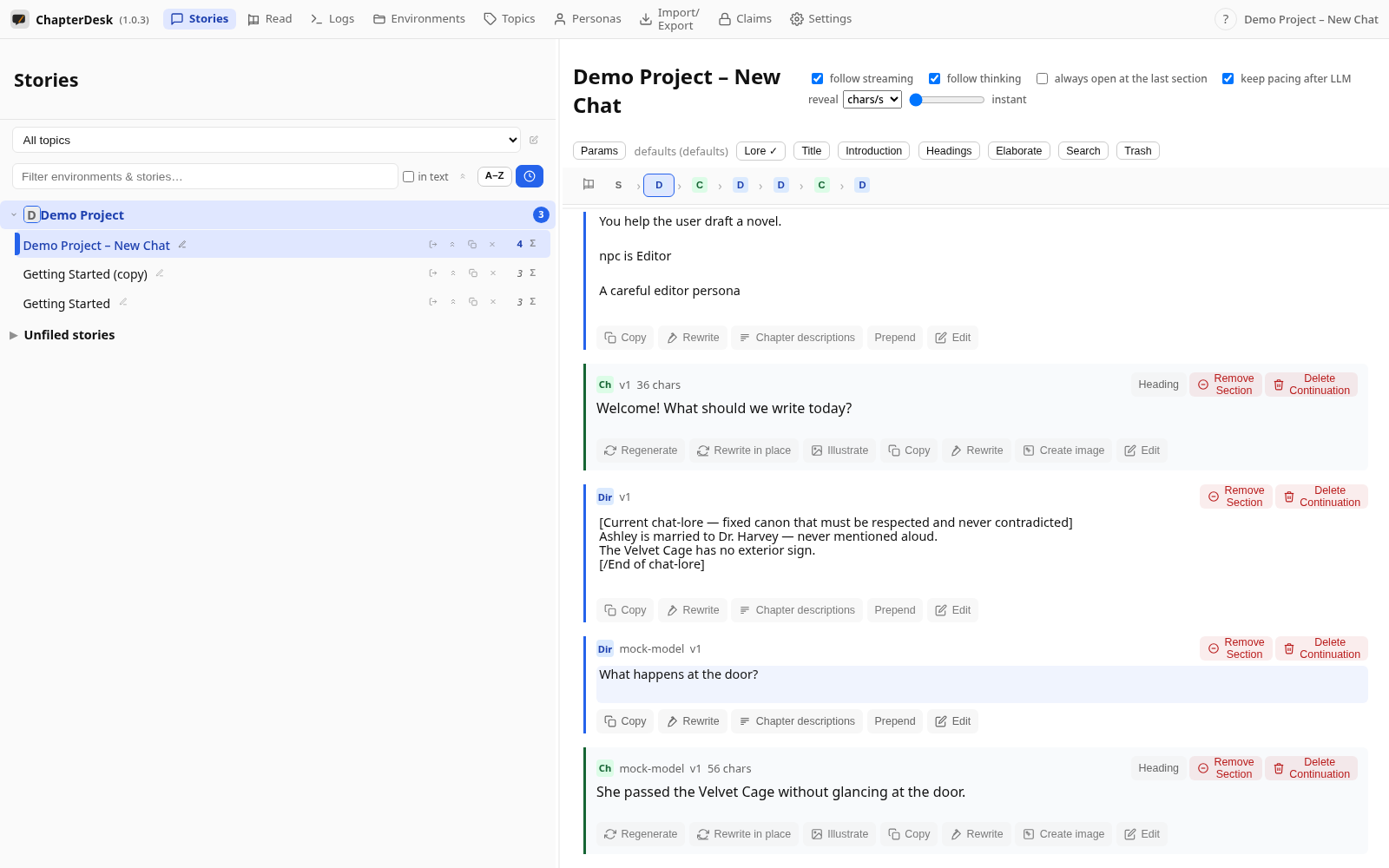
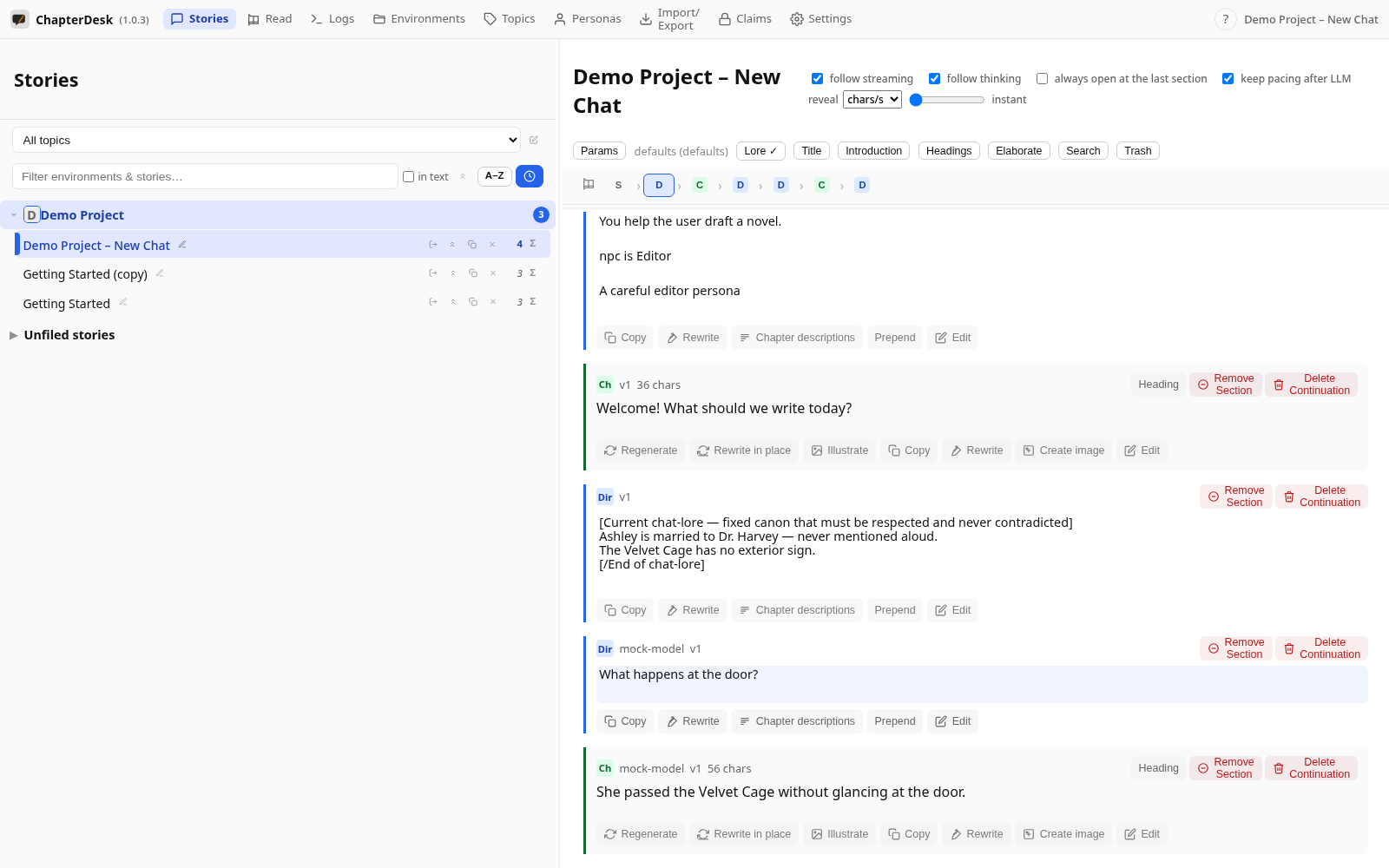
Step 06: Lore travels with the prompt, then documents itself
The answer streams in as a new chapter. The lore node stays in the tree — it was sent exactly once with the direction, then documented (excluded from later context) so it never repeats and never clutters the prompts.