Continuations and the navigation bar
Auto-generated on 2026-10-26
Step 01: Open a story
Open the seeded Getting Started story.
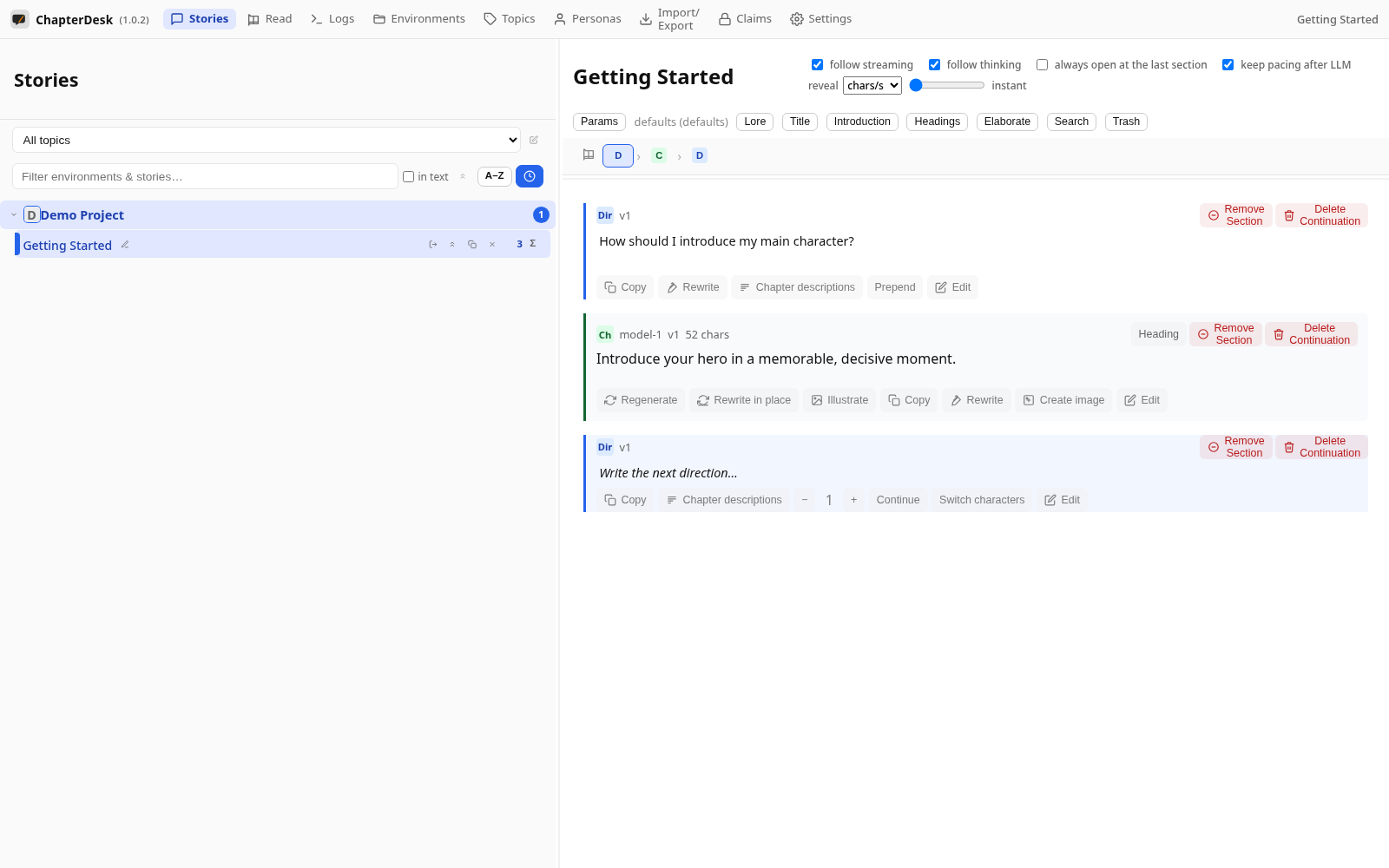
Step 02: See the navigation bar
The navigation bar shows the active path: direction (D), chapter (C), then the next direction. Click a button to jump to that section.
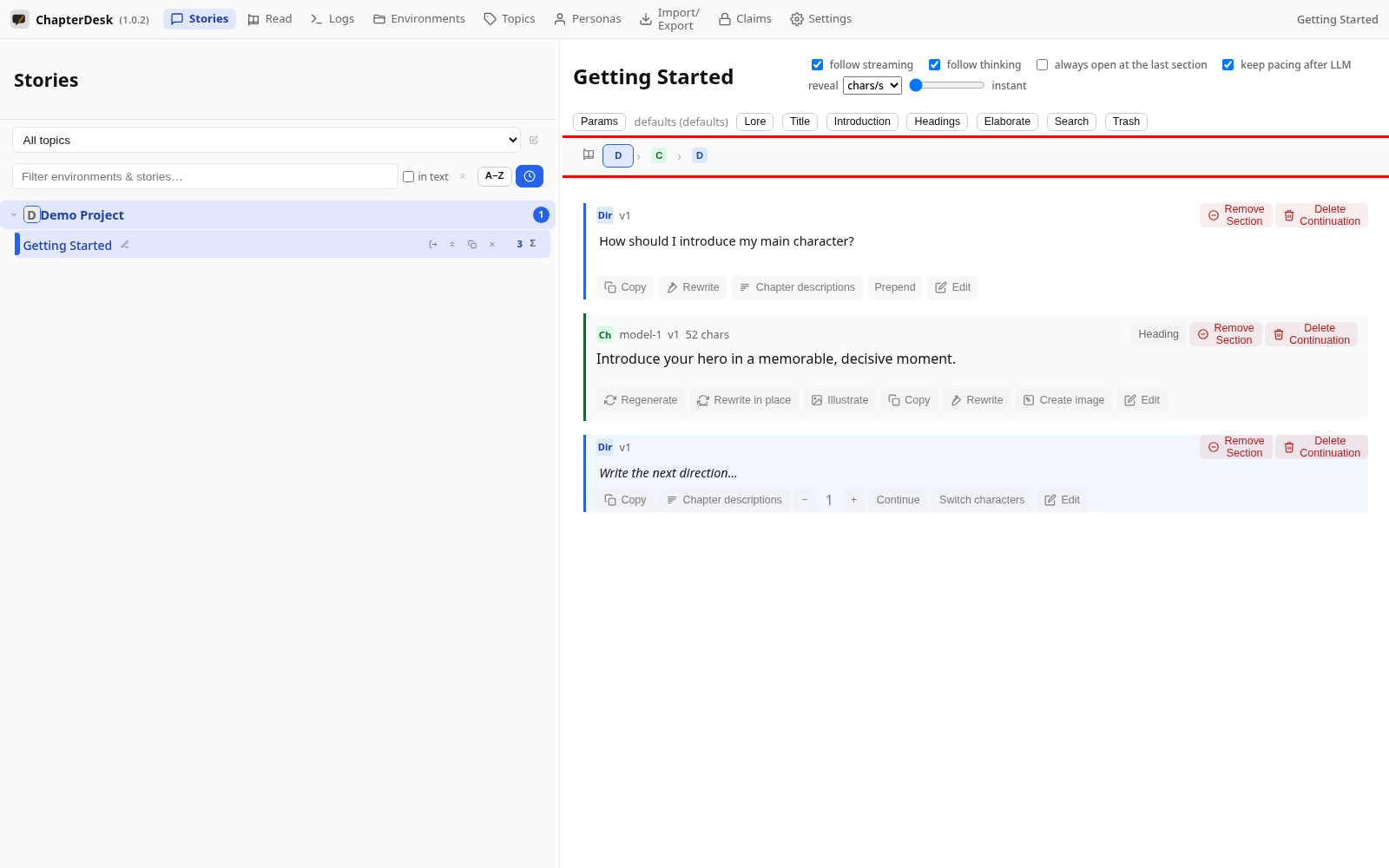
Step 03: Open a section context menu
Right-click a section to rename, copy, edit or branch a continuation from it.
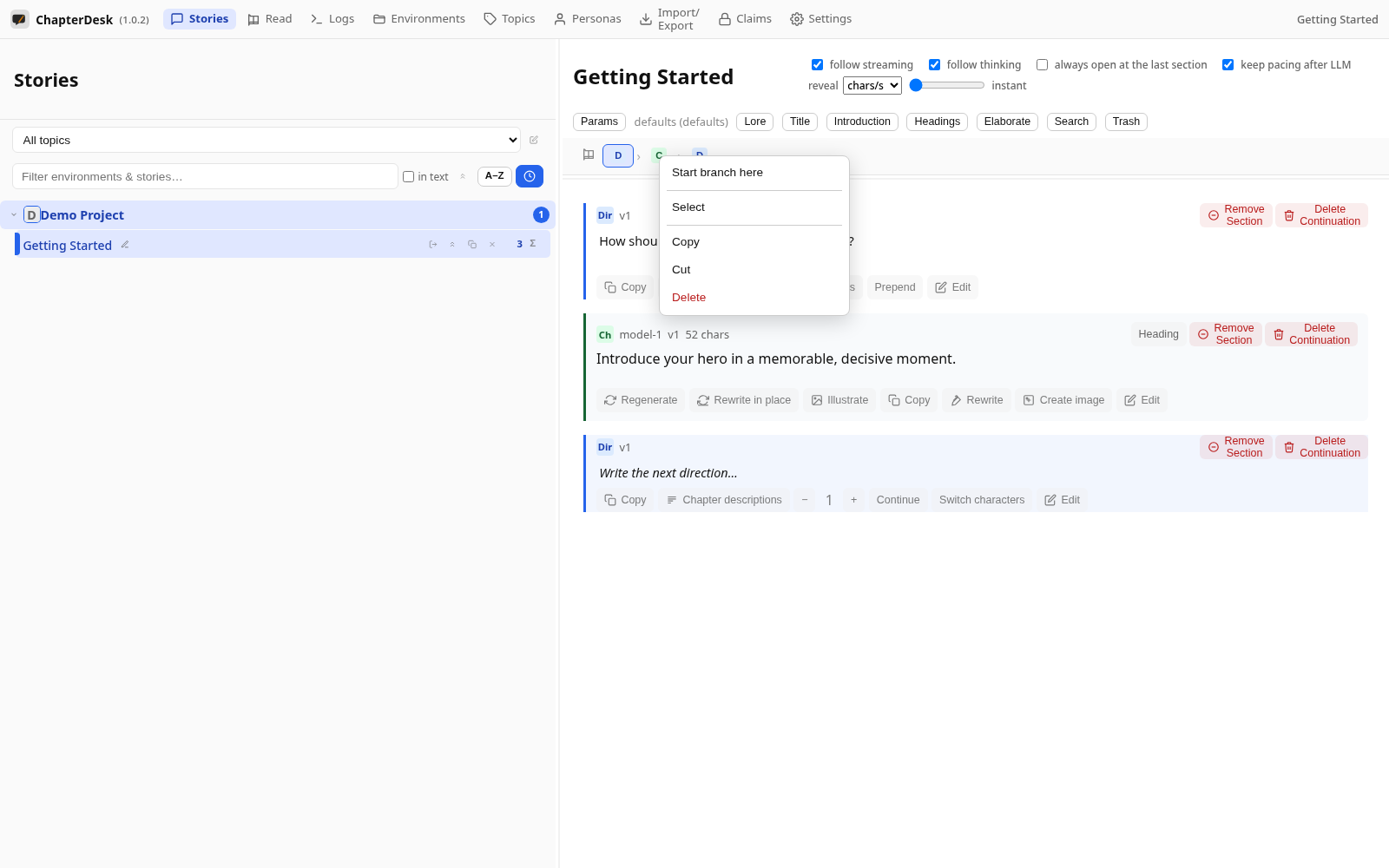
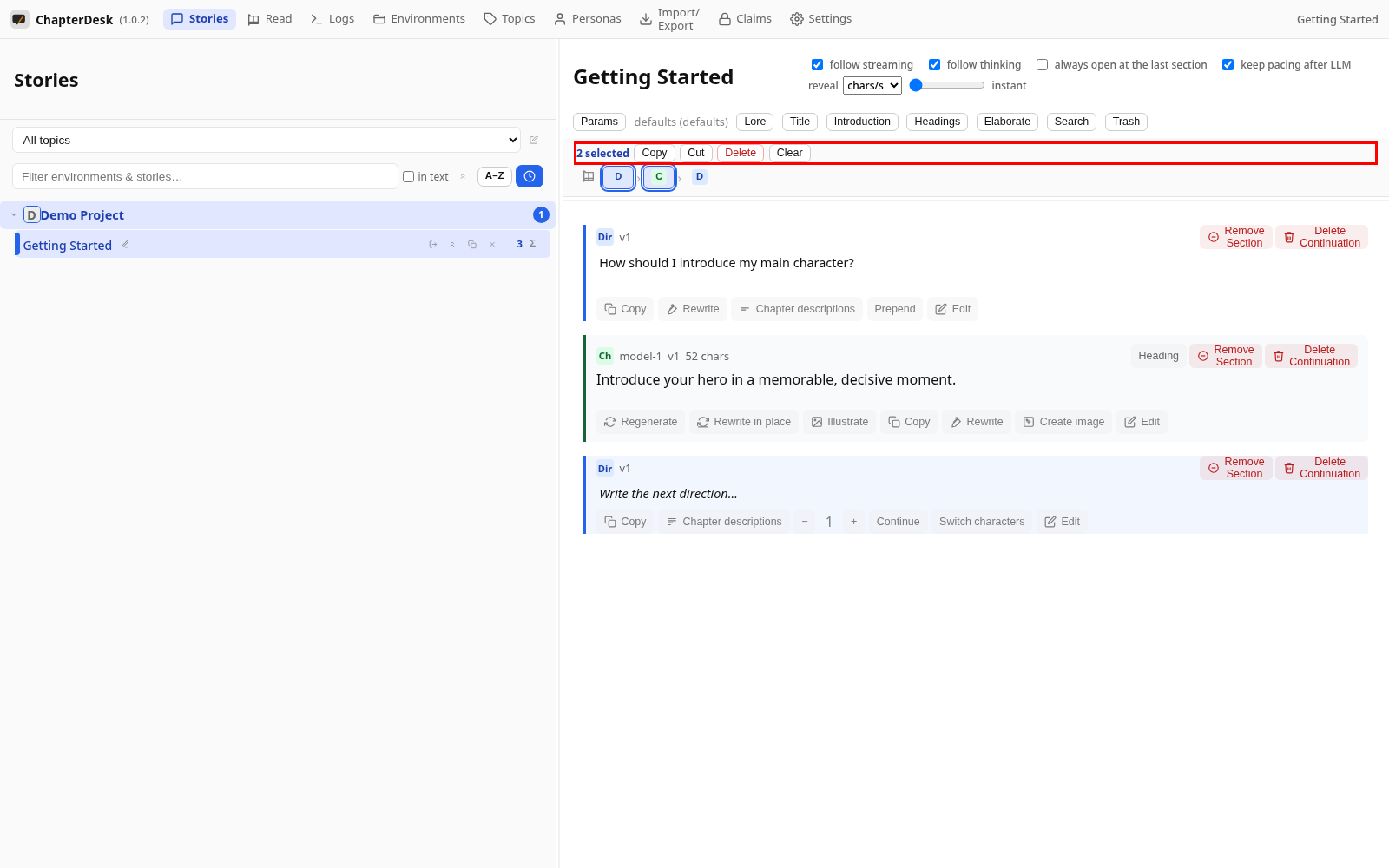
Step 04: Multi-select sections
Hold Ctrl and click several navigation buttons to select a contiguous chain — the toolbar copies, cuts, deletes or clears the selection.