Read your story as a book
Auto-generated on 2026-10-26
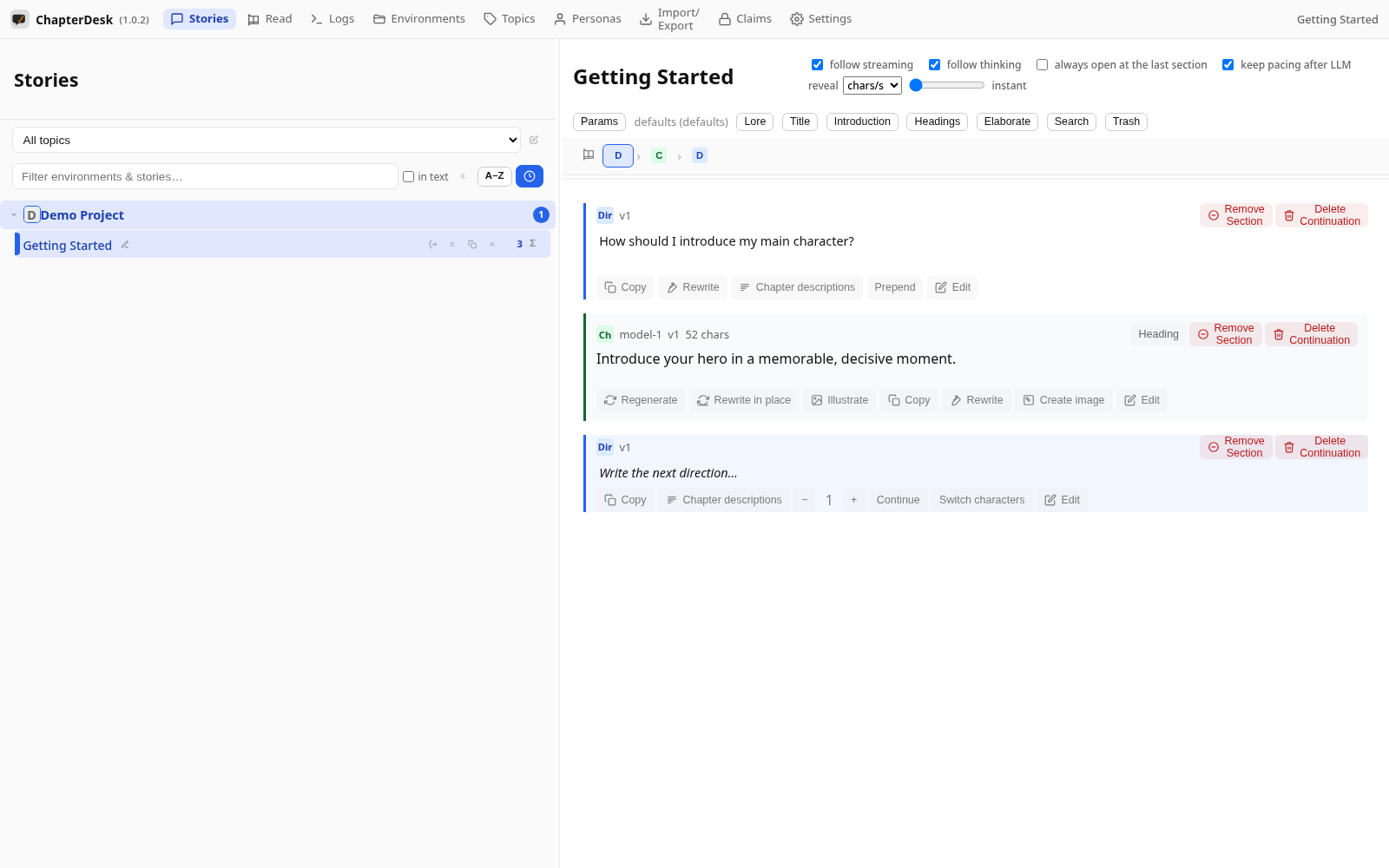
Step 01: Open a story
Open the seeded Getting Started story from the sidebar.
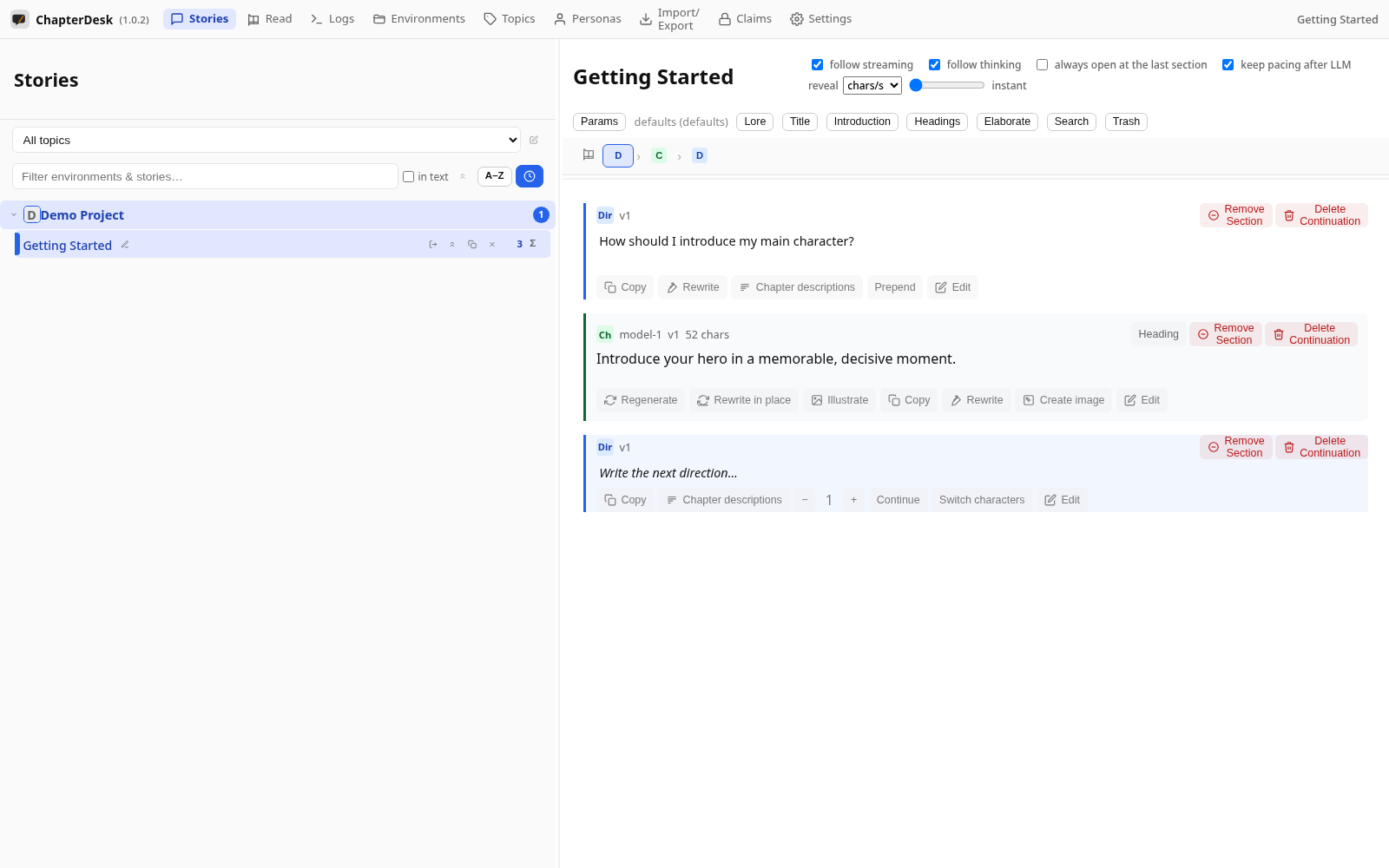
Step 02: Open the Reader
Click the book button in the navigation bar (Reader view). The story is shown as a clean, read-only document.
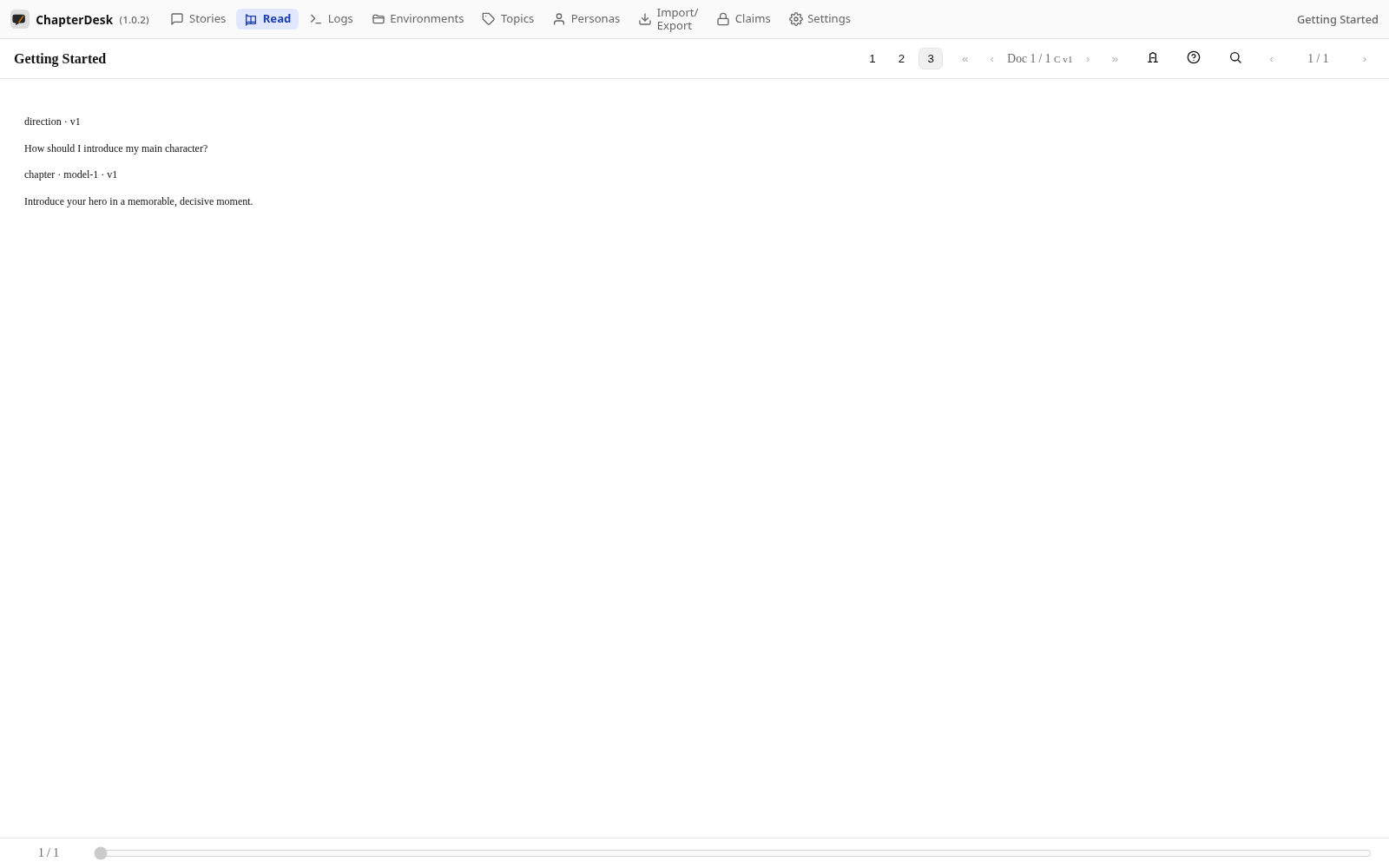
Step 03: Scroll the book
The Reader renders directions and chapters as book sections. The progress bar at the bottom tracks where you are.
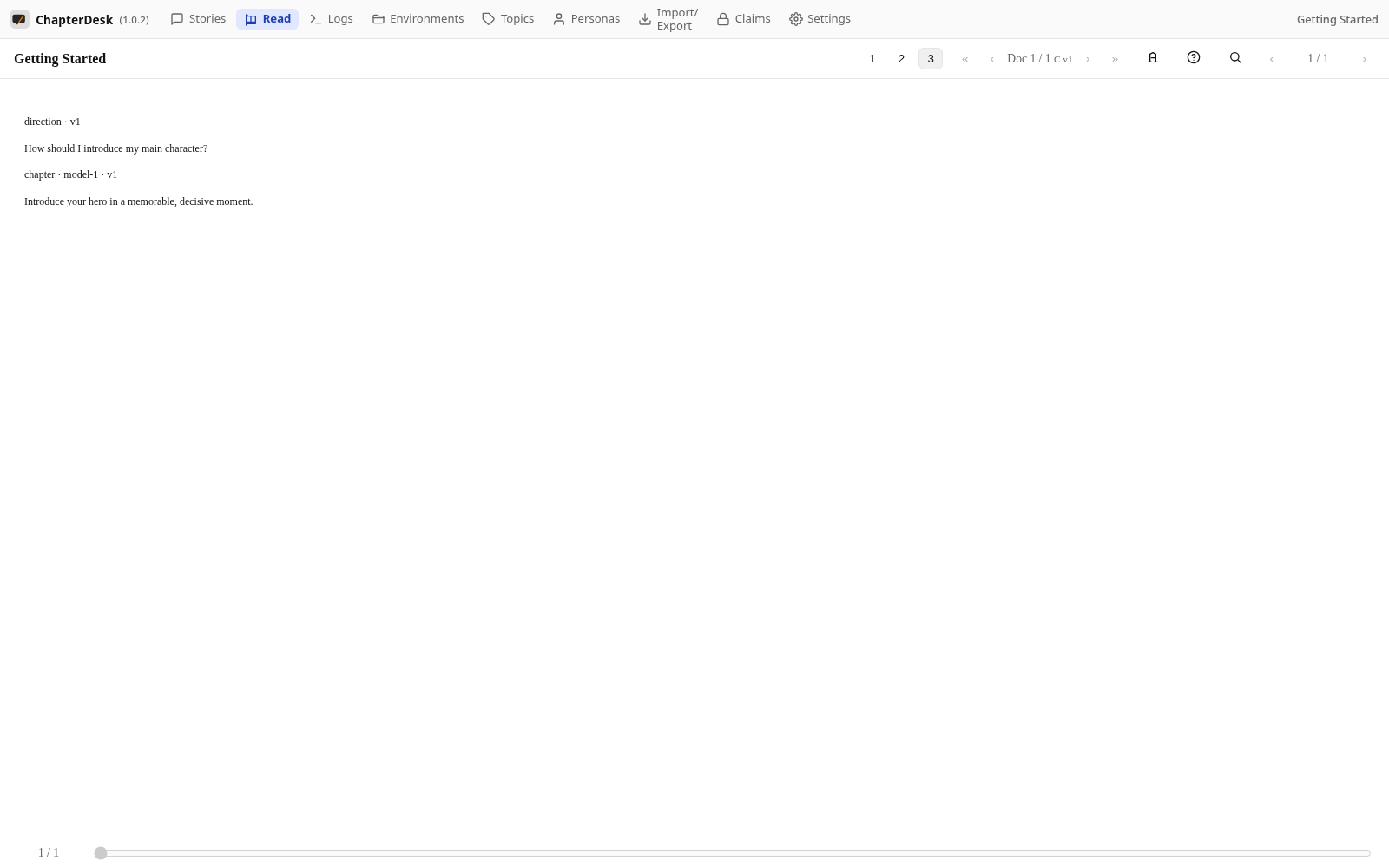
Step 04: Return to editing
Press Escape (or use the back navigation) to return to the editable tree.