ChapterDesk
A local writing studio for scene-by-scene story work with language models.
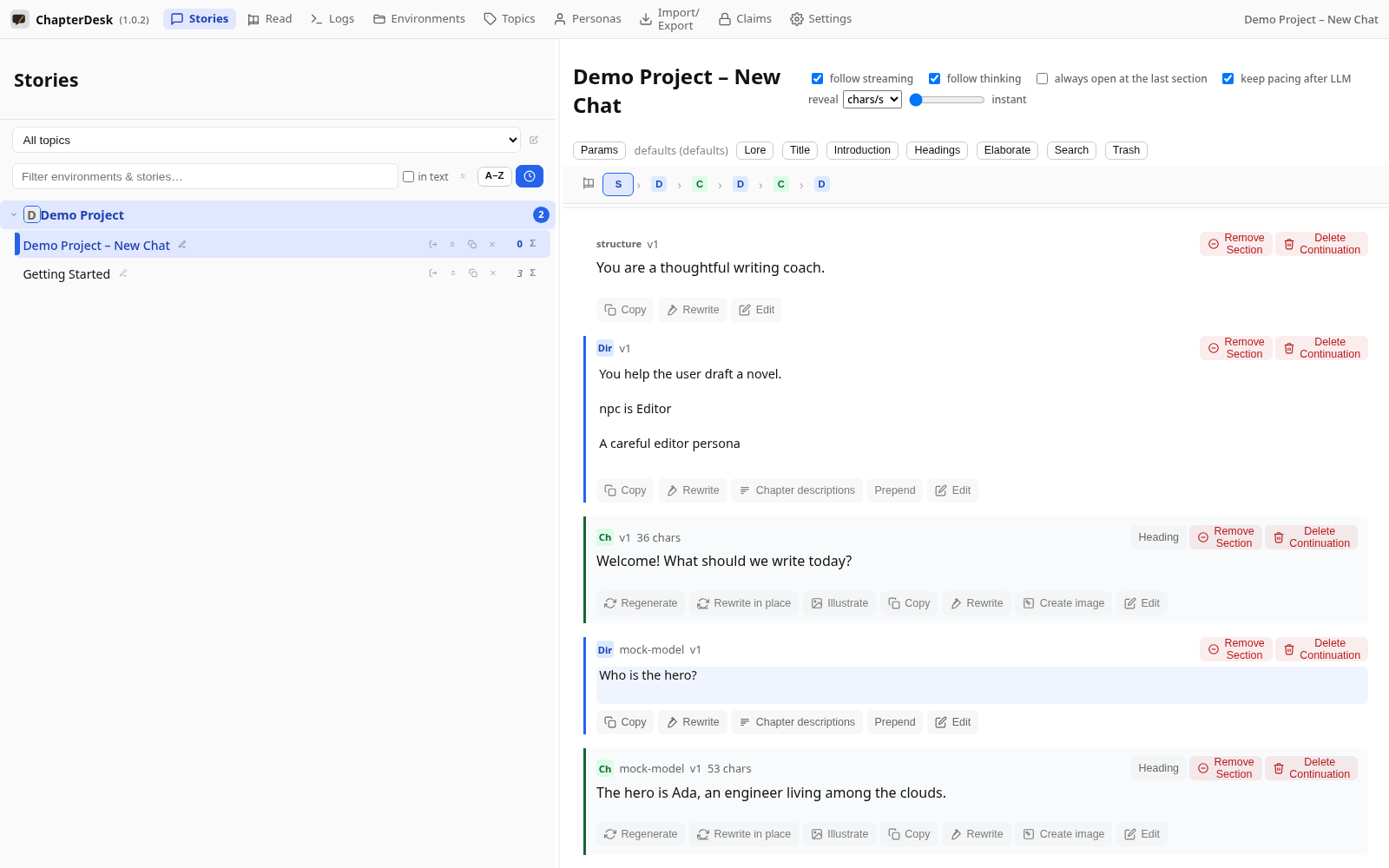
You do not chat with the model. You give a short direction for the next scene, read what comes back, and keep going. When a plot could go two ways, you fork the thread and keep both versions. When you want to read, you open the book view instead of the prompt.
ChapterDesk is for steering stories — not for claiming authorship. The model drafts the beat; you decide what happens next.
What it is for
- Direct a scene in a few lines, then read the result
- Keep topics, environments, and personas as the spine of a longer work
- Branch a draft when a scene could go another way
- Reread the active path as a continuous text
- Stay local: your data lives in SQLite on your machine (or IndexedDB in the browser)
The Angular client talks only to a local chat-server. The server stores threads and versions, proxies provider requests, and exposes a small REST API.
Read the manual
The User Manual walks you through every part of the app:
- Getting Started — launch, open a story, read it
- Write Your First Chapter
- Read Your Story as a Book
- Illustrate Your Chapters
- Settings — appearance, providers, tasks, prompts
Short walkthrough videos:
For developers
- LLM Orchestration Test Plans — the use cases behind sending, branching, and illustrating
- LLM Orchestration Manual Testing
- UX Playbooks
Core ideas
- Local first — Your stories and settings stay on your machine.
- Steering, not chatting — You direct scenes; the model continues them.
- Branching built in — Keep both versions instead of overwriting.
- Organized for longer work — Topics, Environments, and Personas.
- Read as a book — Switch to a continuous reading view any time.