Books (Environments) and moving stories
Auto-generated on 2026-10-26
Step 01: Open the Environments page
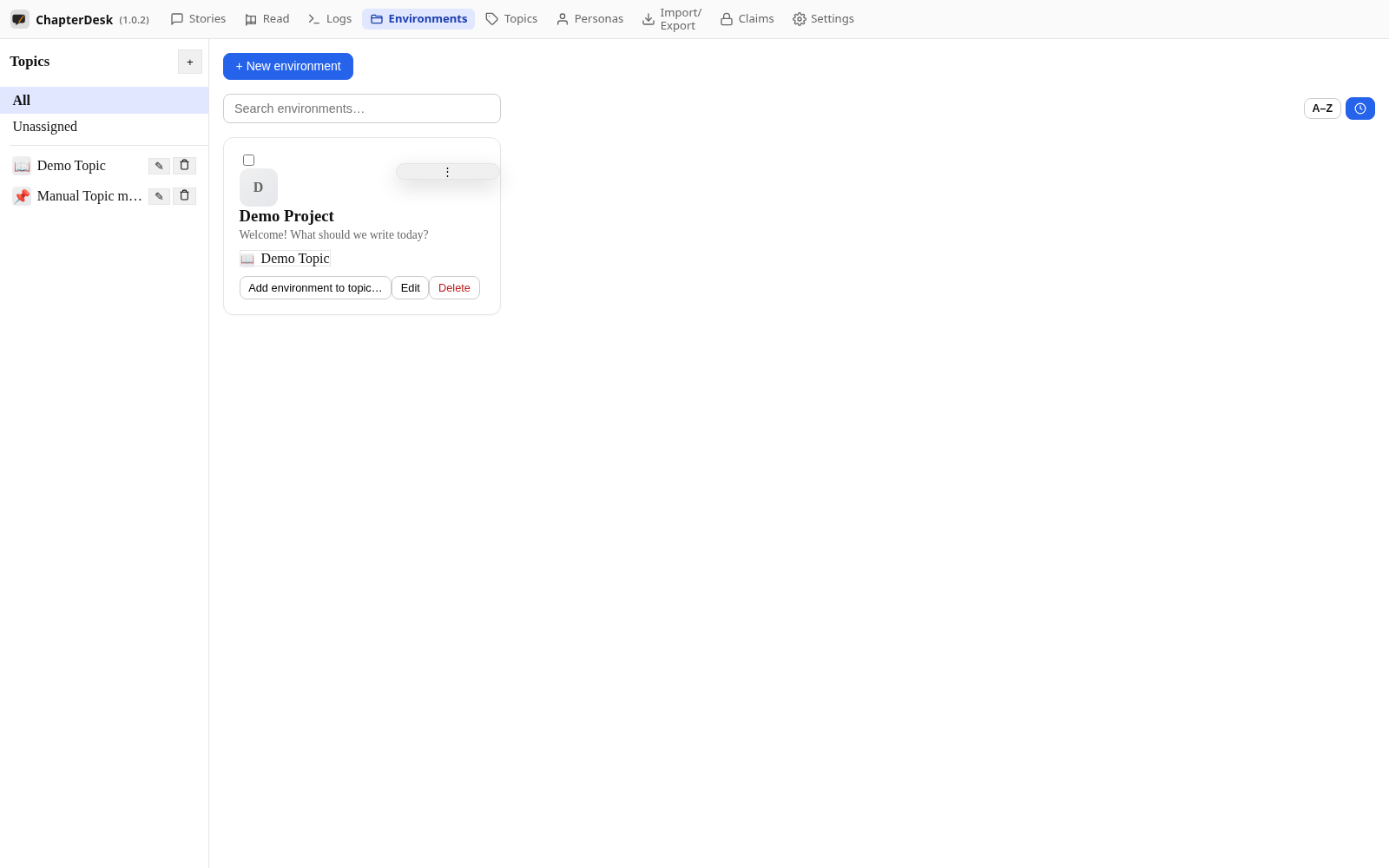
Use the Environments link in the top navigation. Environments are your books; each groups stories that belong together.
Step 02: Create a book
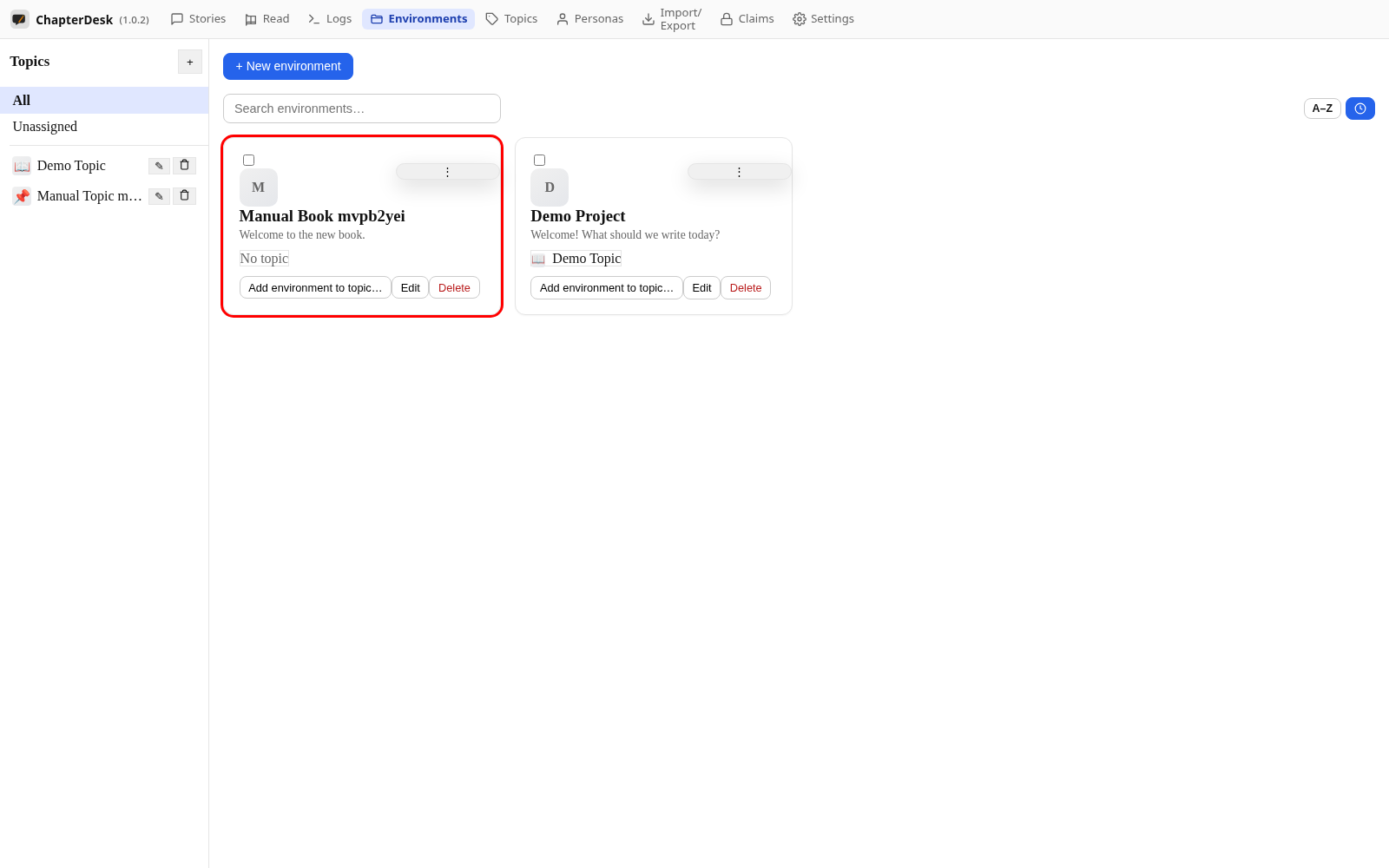
Click + New environment, give it a name and choose a main topic. Save to create the book.
Step 03: Back to the stories sidebar
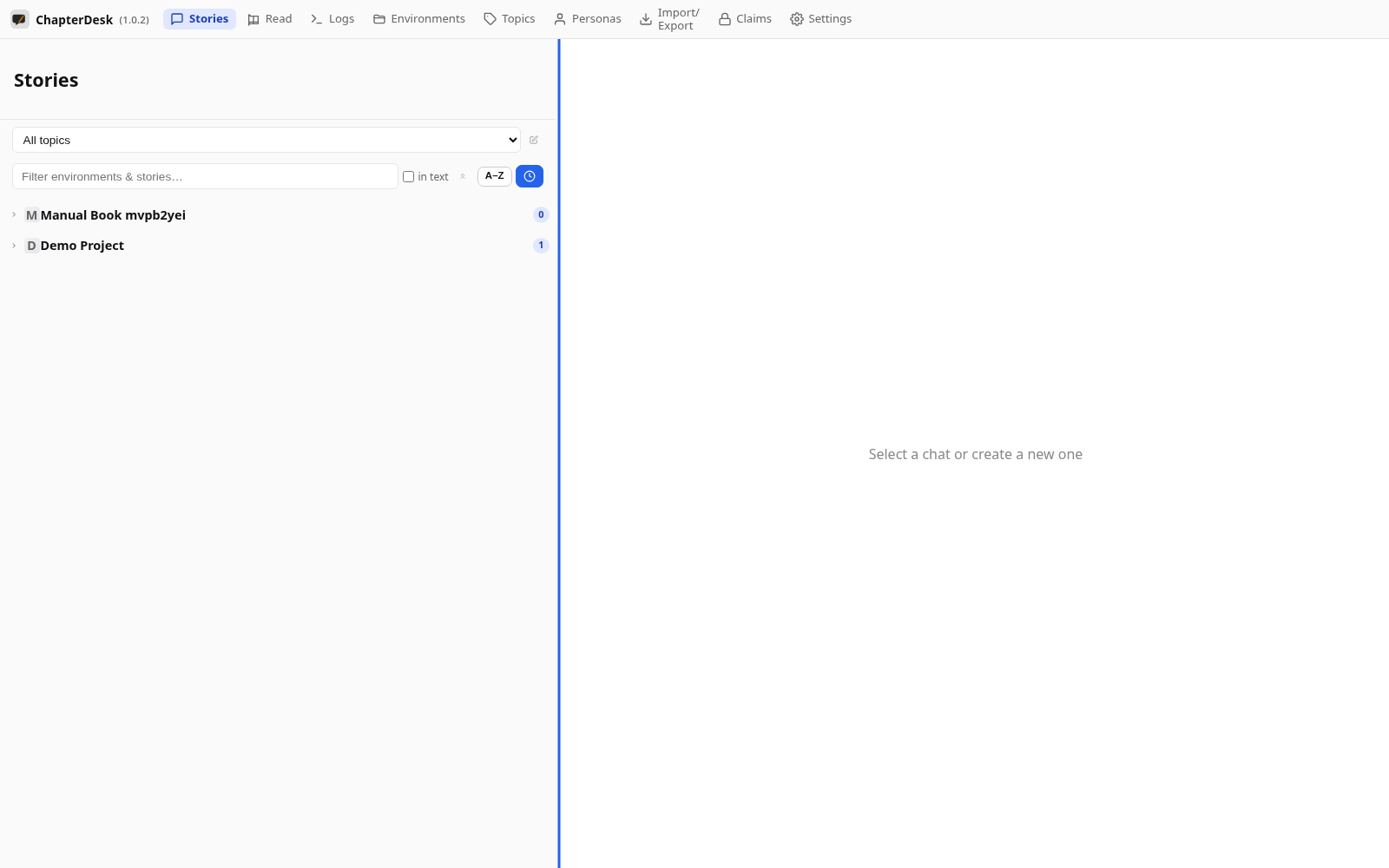
Return to Stories. The new book appears under its topic in the sidebar.
Step 04: Create and name a story
Create a new story in Demo Project and rename it so it is easy to find.
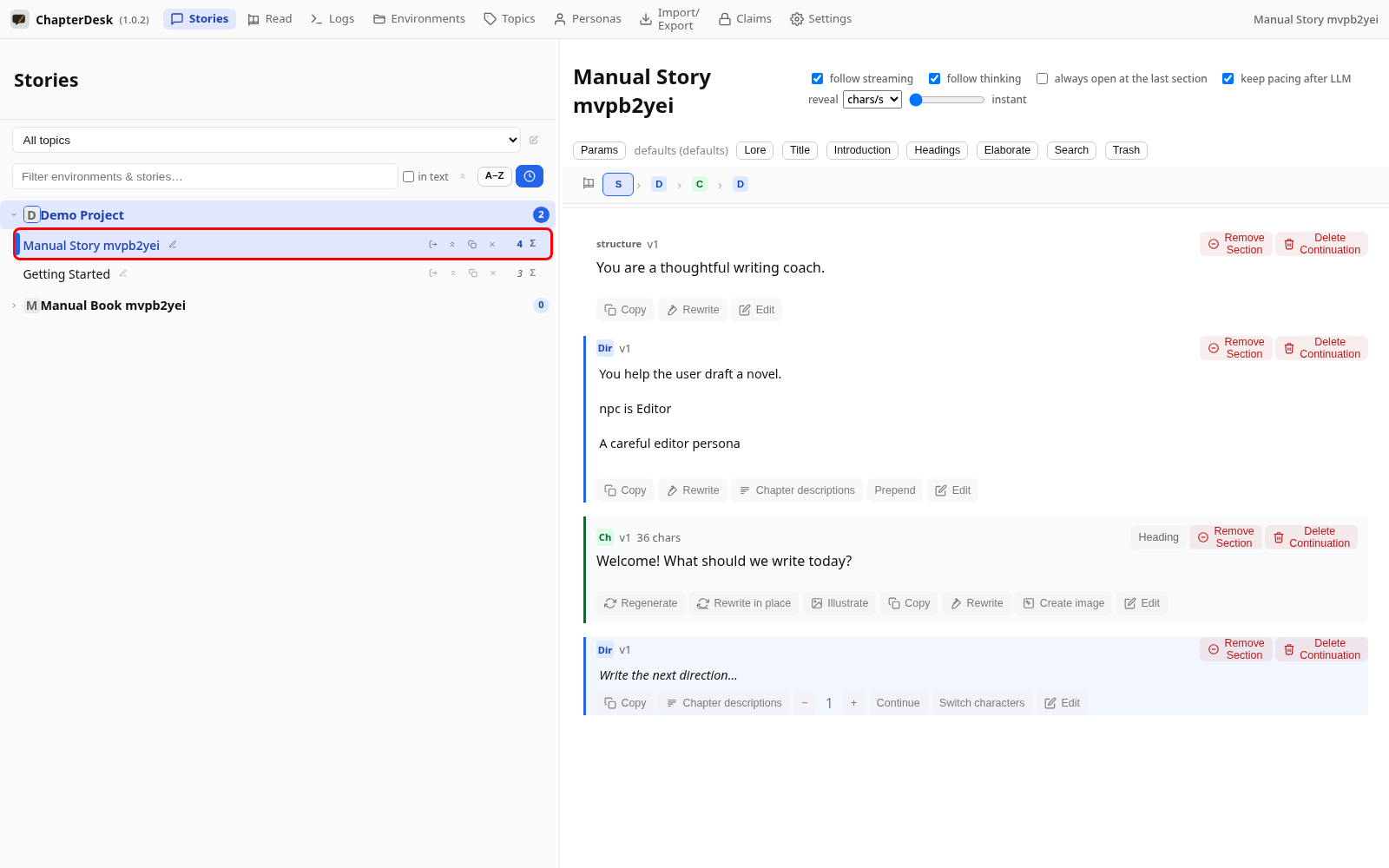
Step 05: Move the story into the book
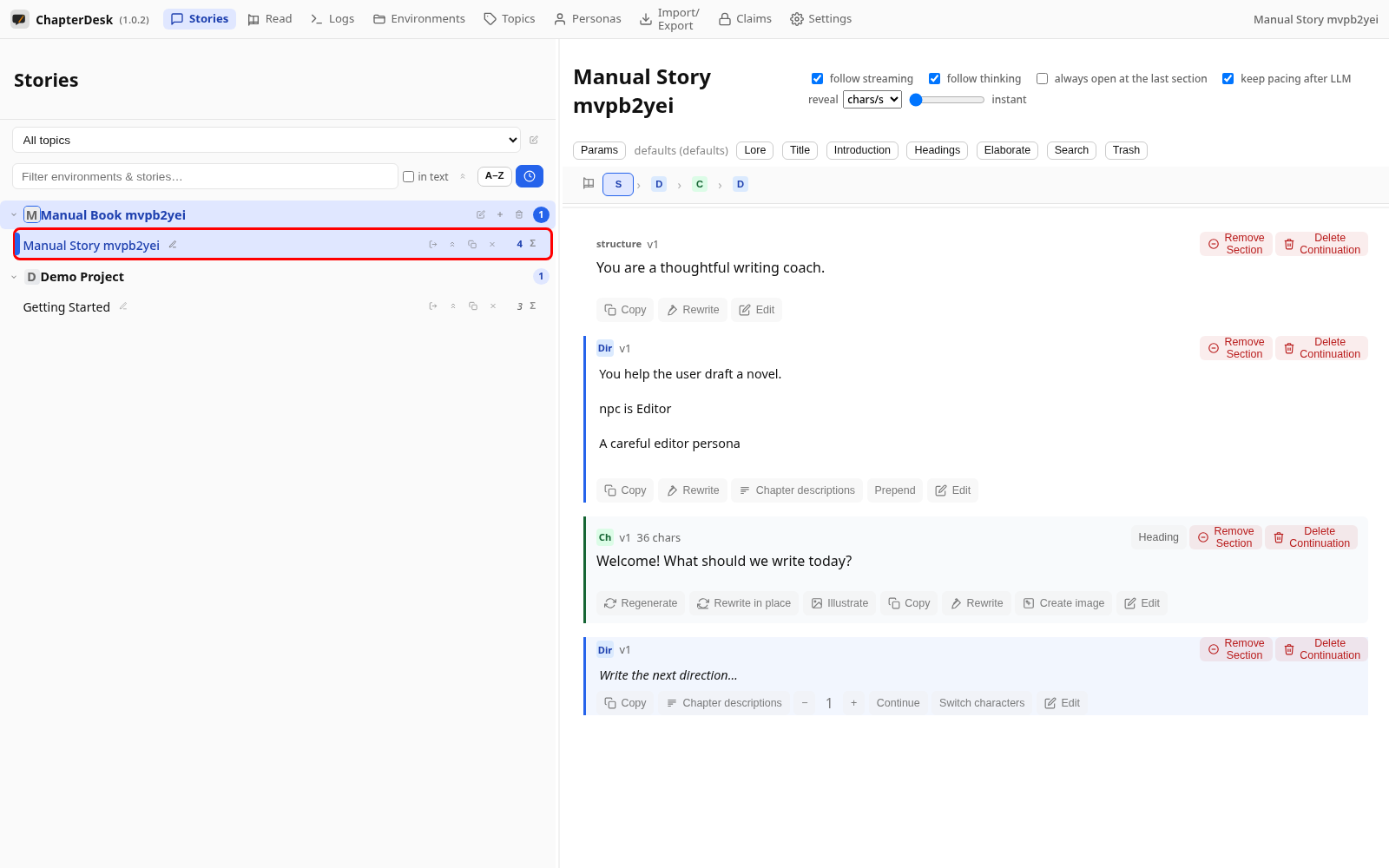
Open the story’s Move to another environment menu and pick the new book. The story is reassigned and now appears in that book.