Settings: Appearance, Providers, Tasks and Prompts
Auto-generated on 2026-10-26
Step 01: Open the application
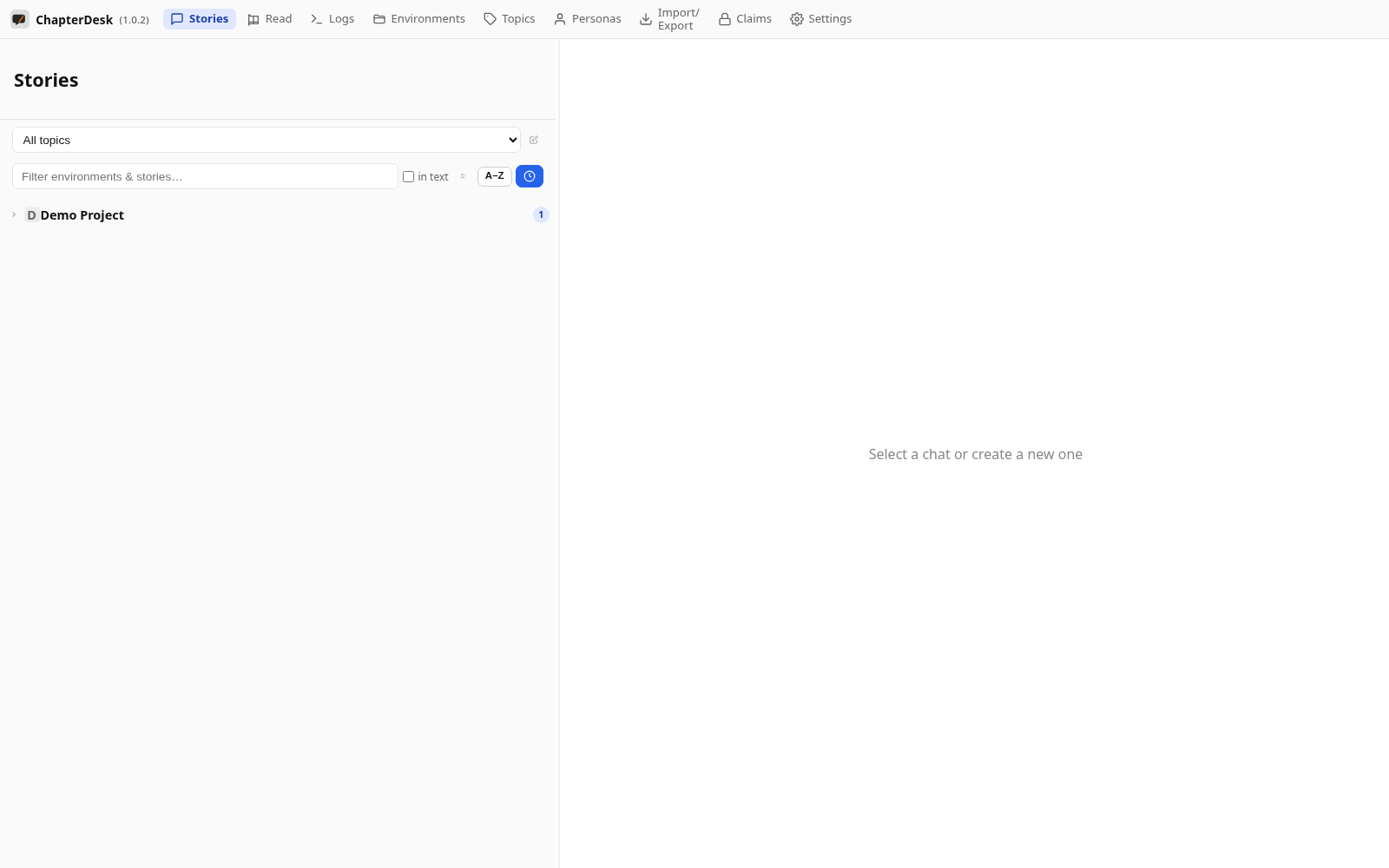
Launch ChapterDesk.
Step 02: Open Settings
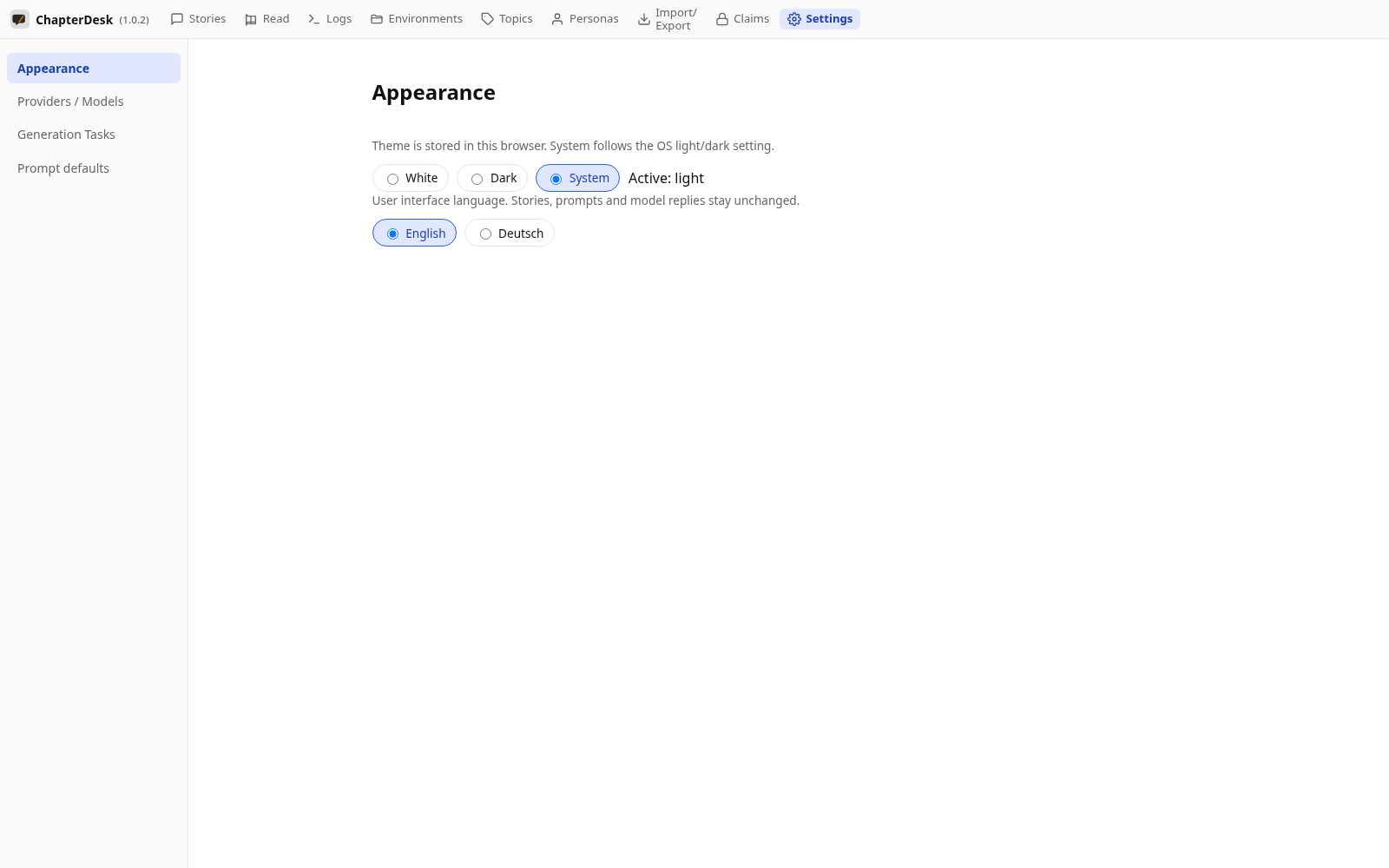
Use the Settings link in the top navigation. The Appearance page opens first — theme and language are stored per browser.
Step 03: AI providers
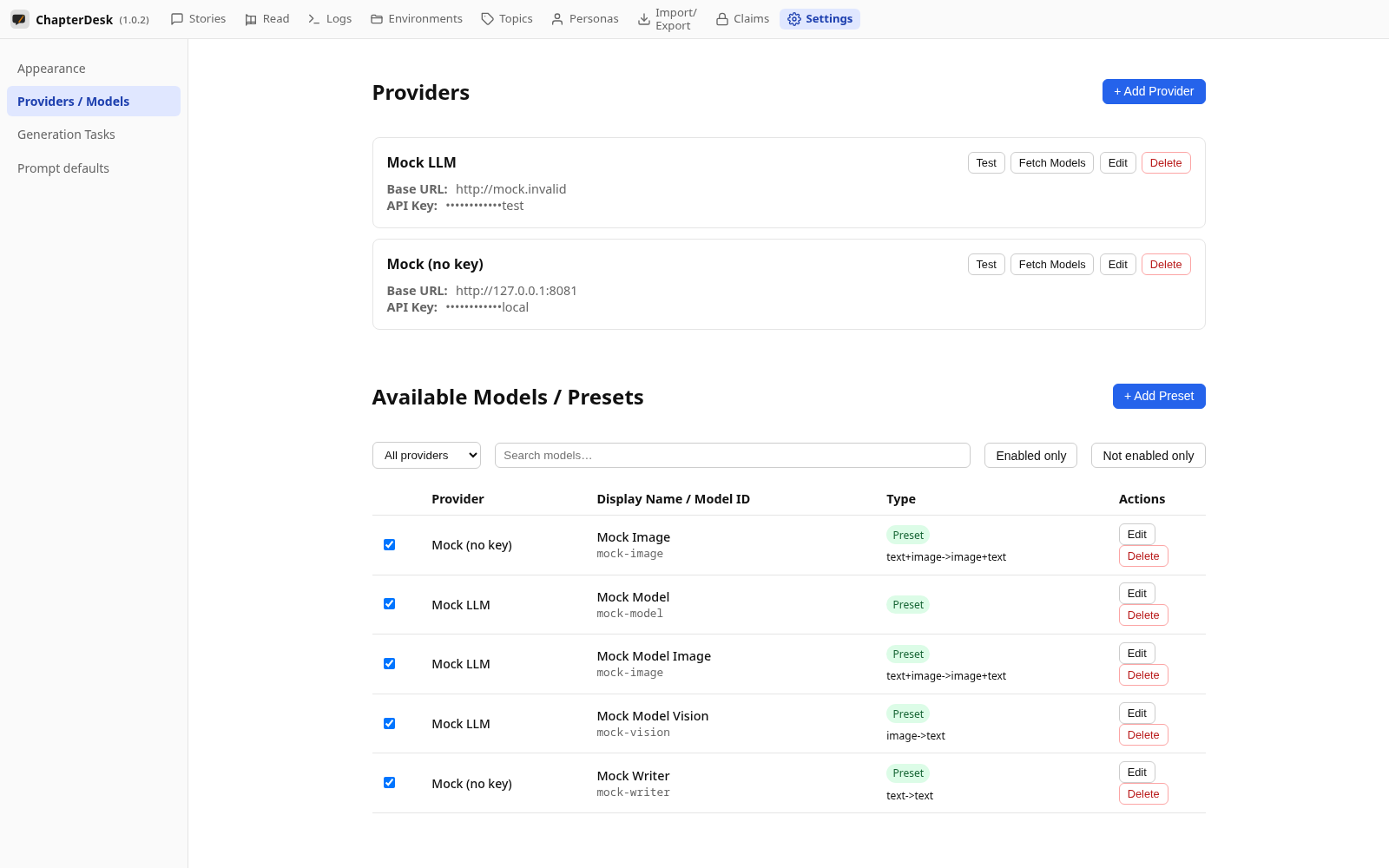
The Providers / Models page manages AI providers and enables the models ChapterDesk may call.
Step 04: Generation tasks
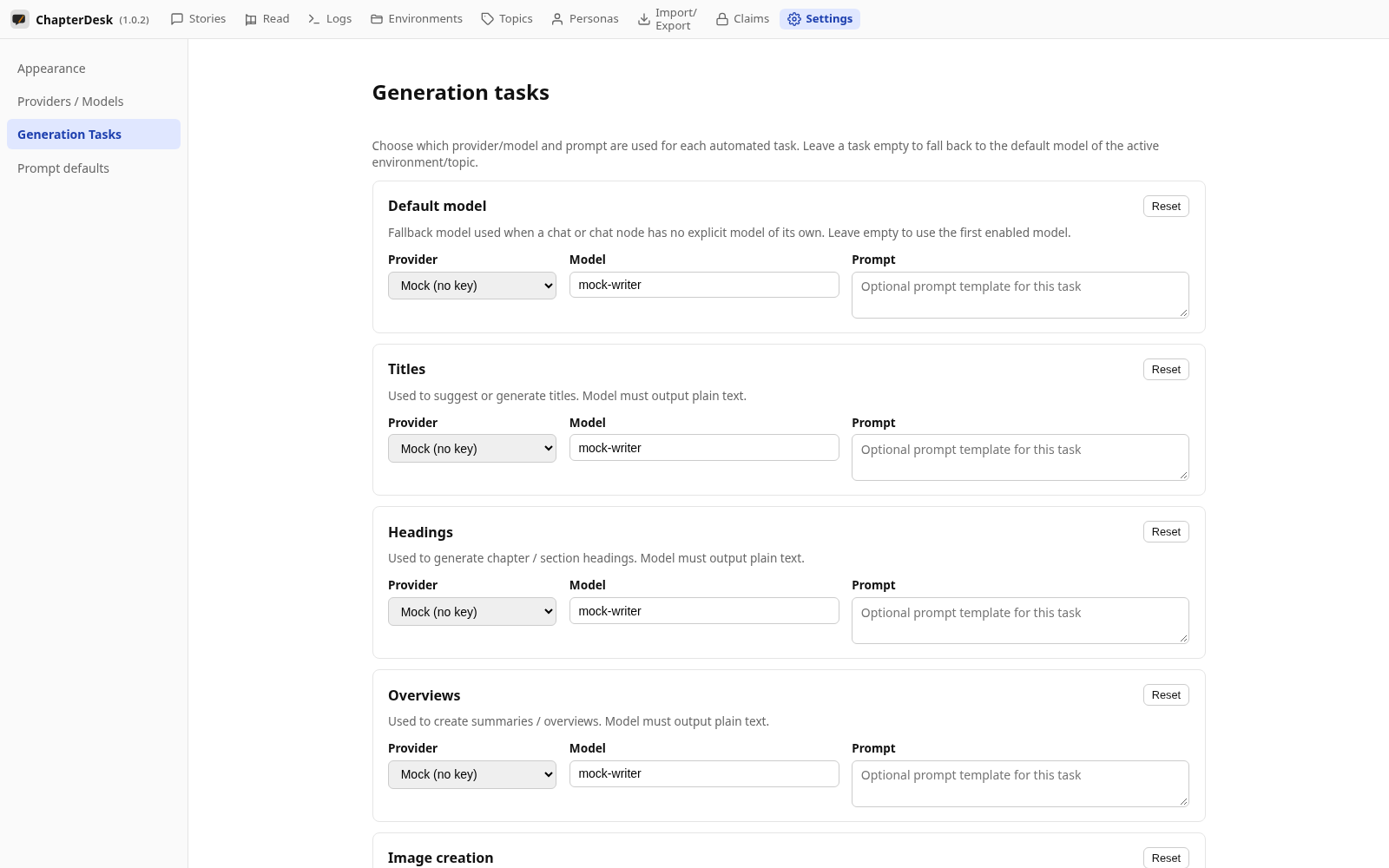
Generation Tasks picks which enabled model is used for each kind of writing task (title, headings, language check, images…).
Step 05: Prompt defaults
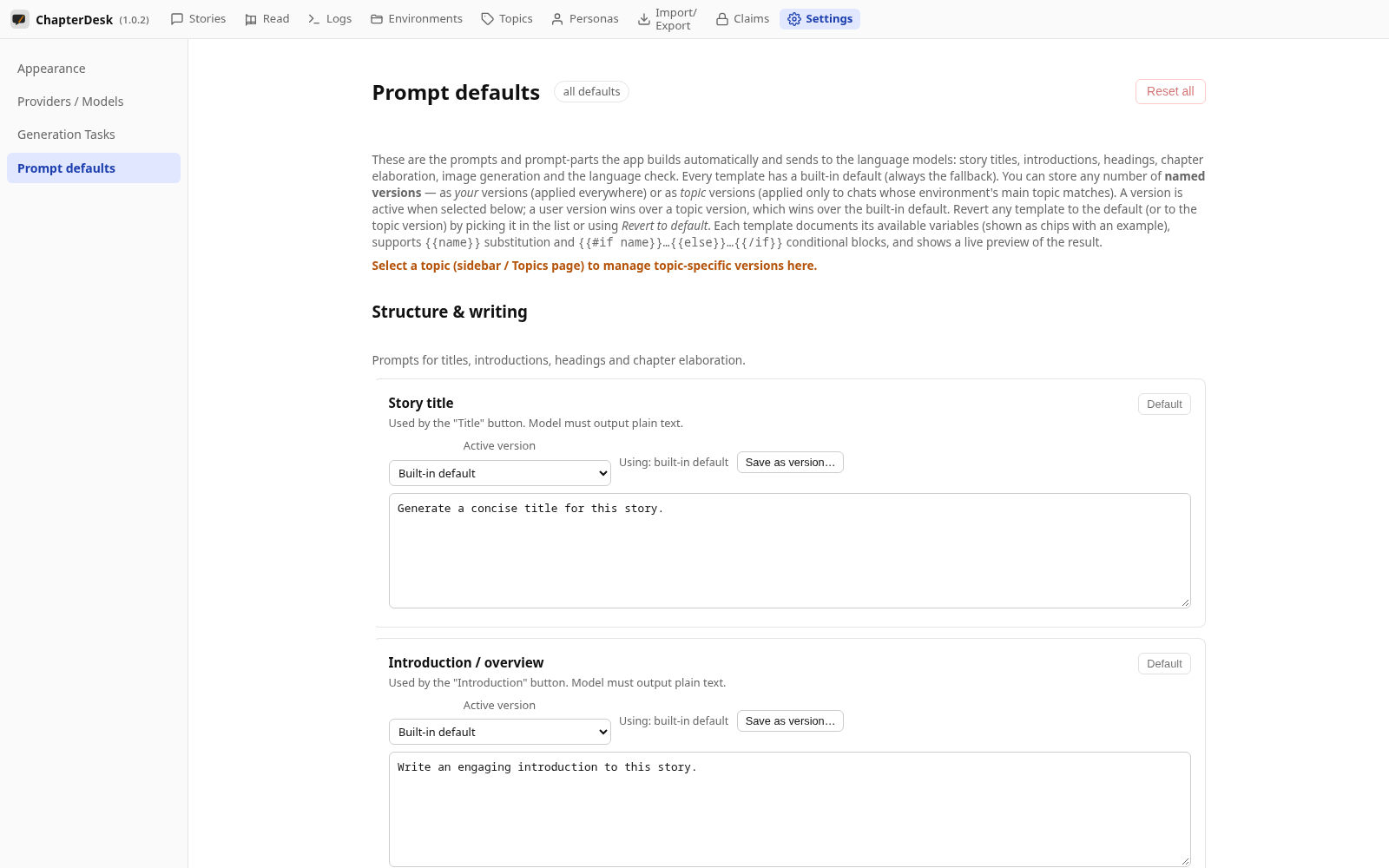
Prompt defaults lets you read, edit or version the built-in prompts ChapterDesk builds automatically.