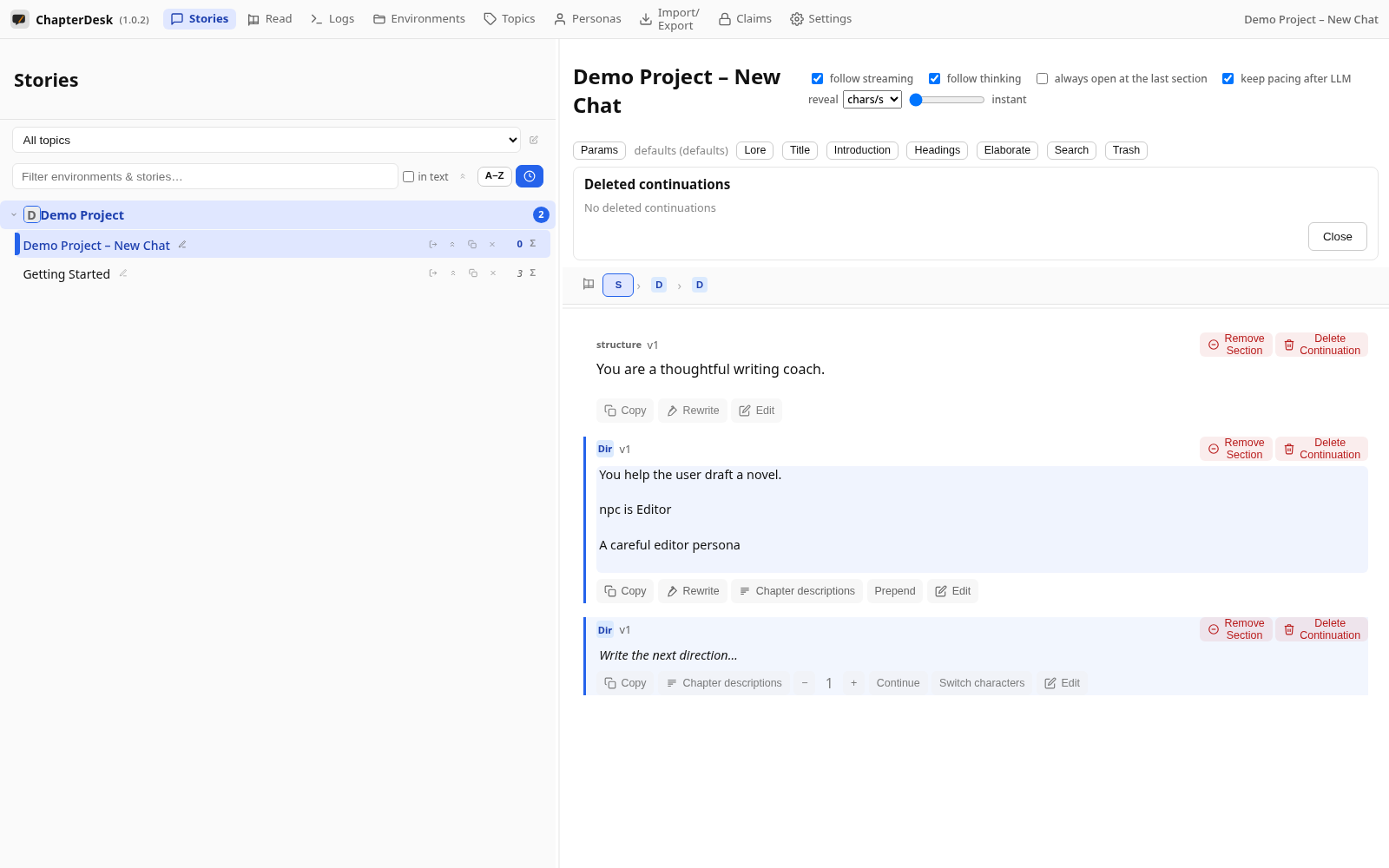
Delete and Restore Sections
Auto-generated on 2026-10-26
Step 01: Open a fresh story
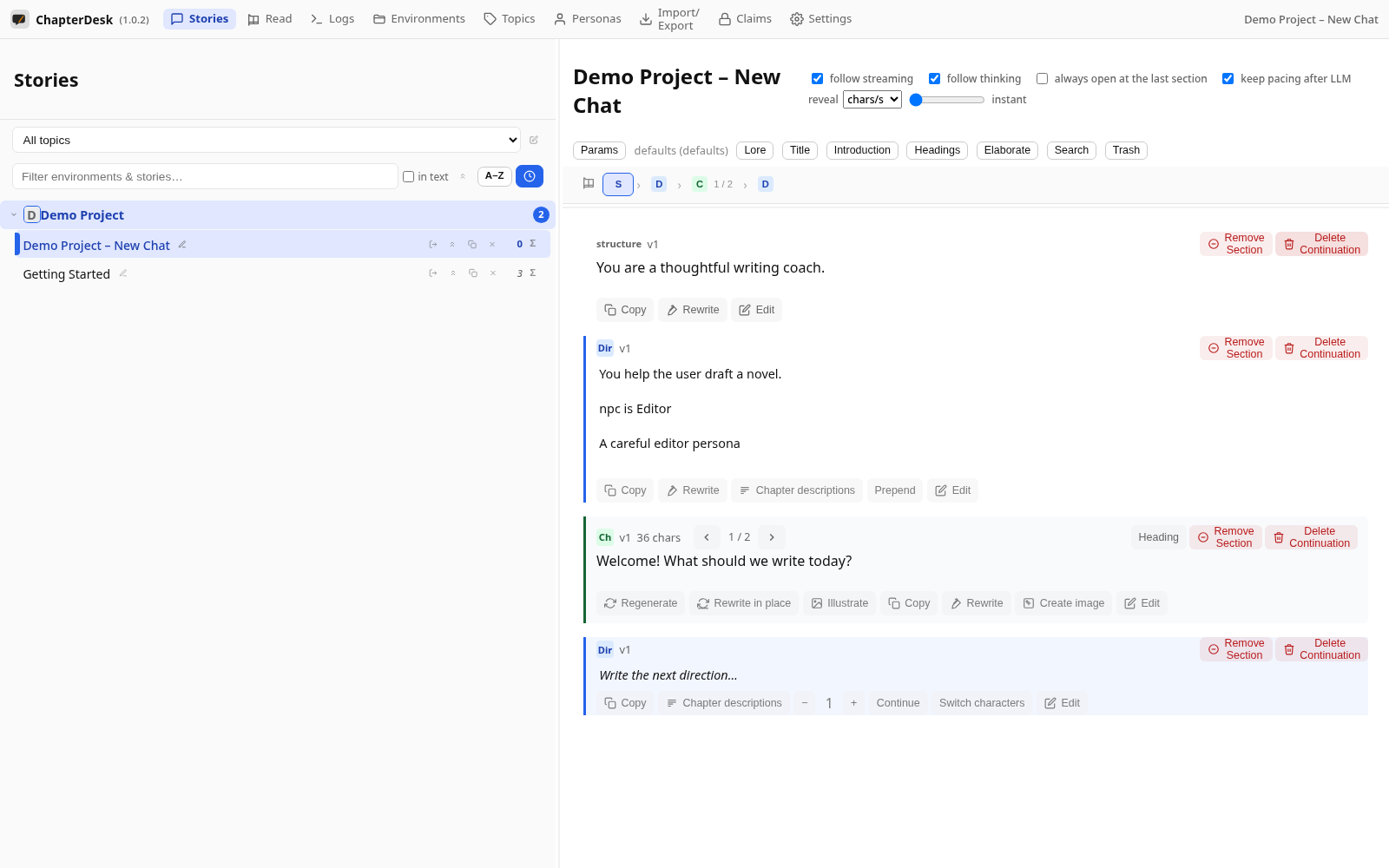
Start from a new story so there is a section to delete.
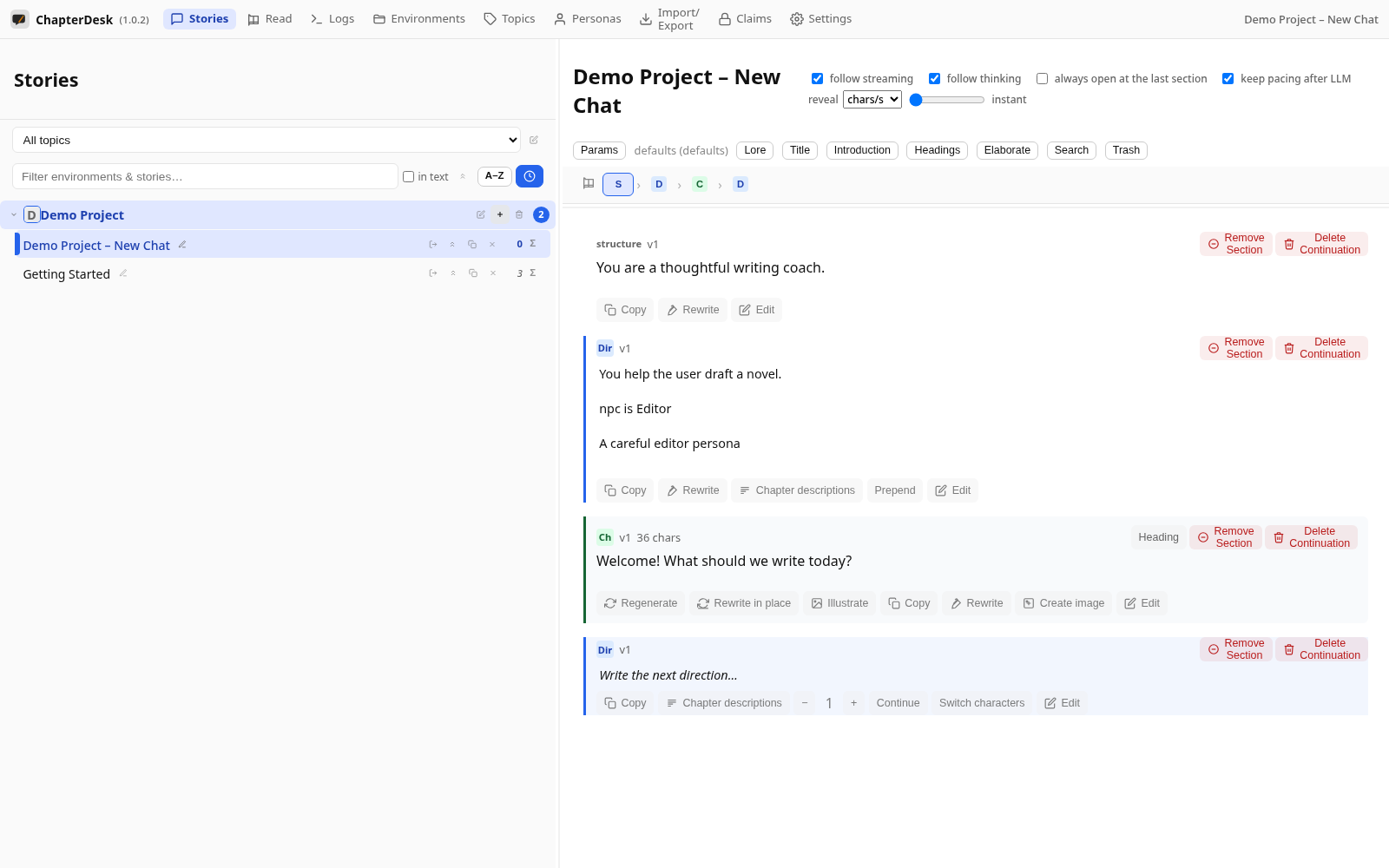
Step 02: Delete a continuation
In the section header click Delete Continuation and confirm. The section is NOT destroyed — it moves to the Trash.
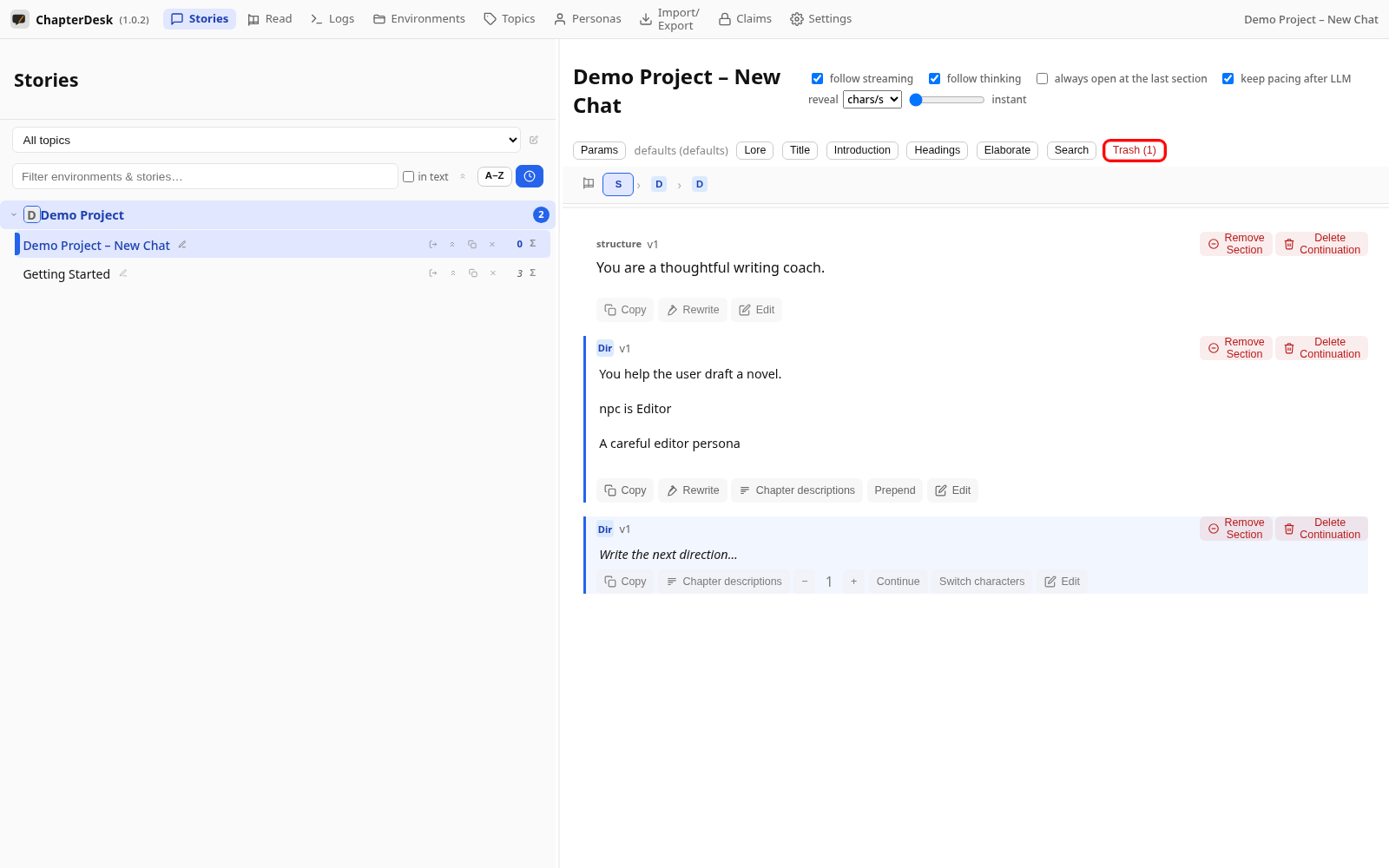
Step 03: Open the Trash
Click Trash (1) in the toolbar. Each deleted continuation is listed with its role and a preview.
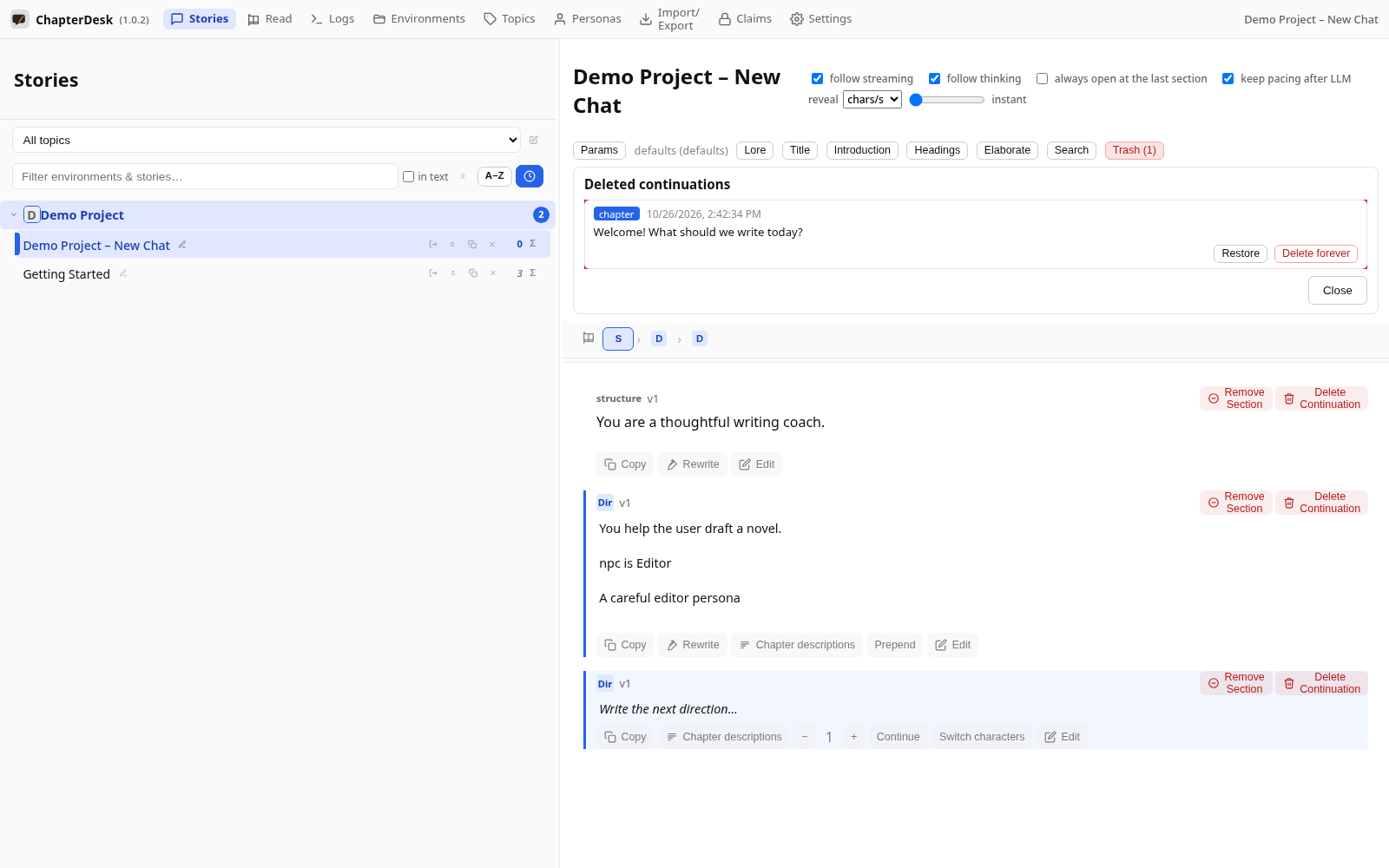
Step 04: Restore the section
Click Restore — the continuation is placed back into the story and the Trash empties.
Step 05: Purge forever
Delete the continuation again and choose Delete forever in the Trash. Purged sections cannot be recovered.