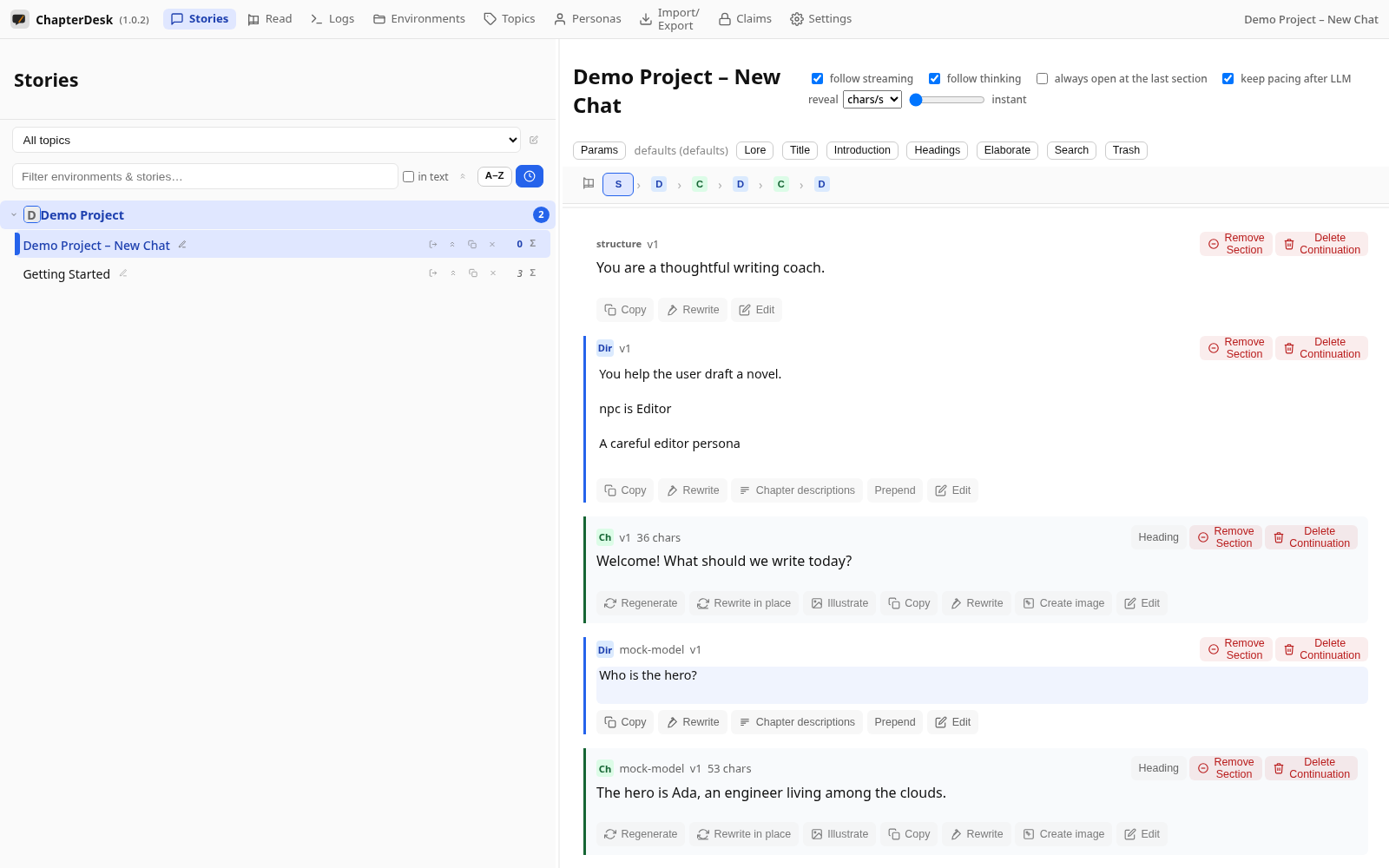
Write Your First Chapter
Auto-generated on 2026-10-26
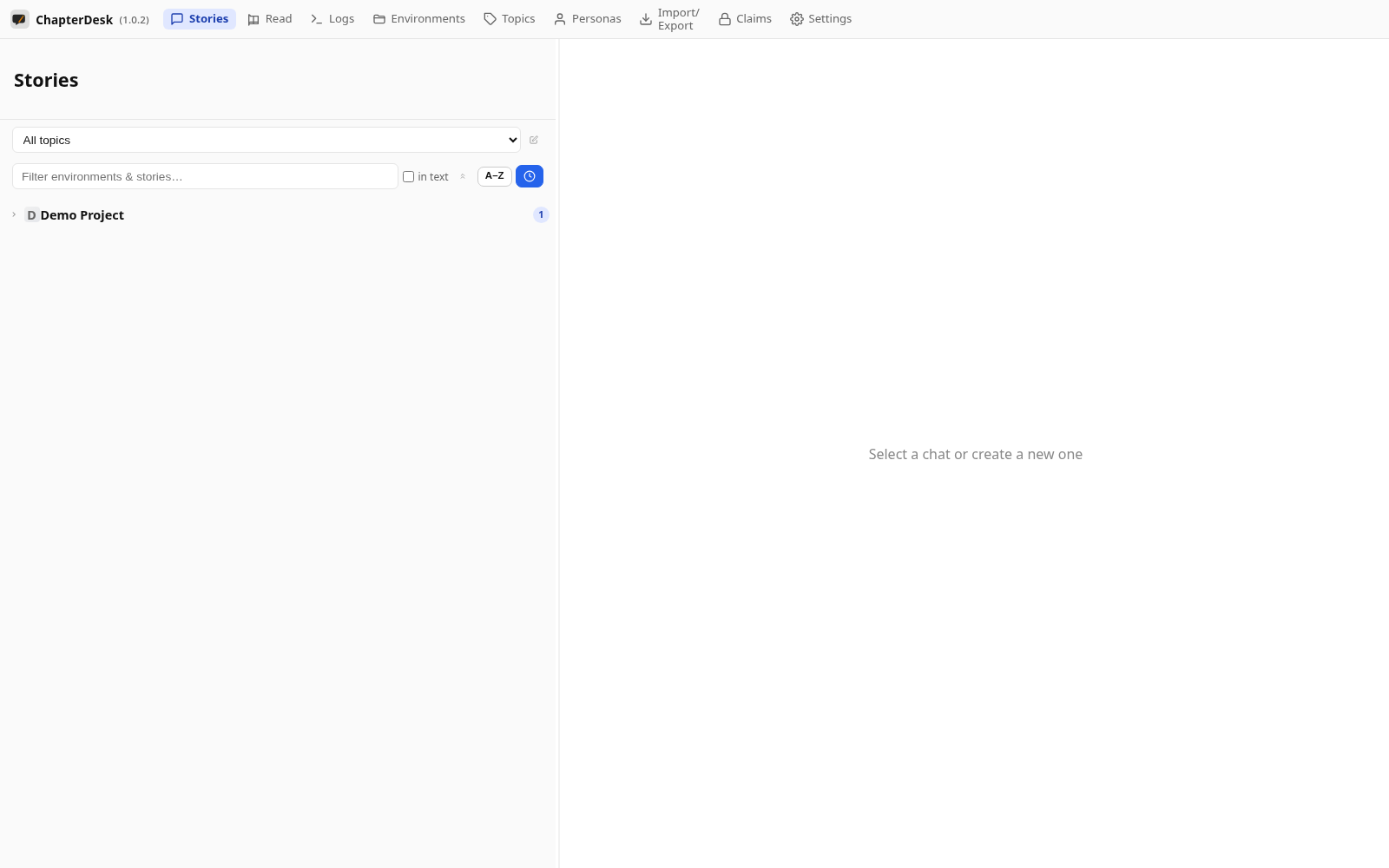
Step 01: Open the application
Launch ChapterDesk. Your books and stories are listed in the left sidebar.
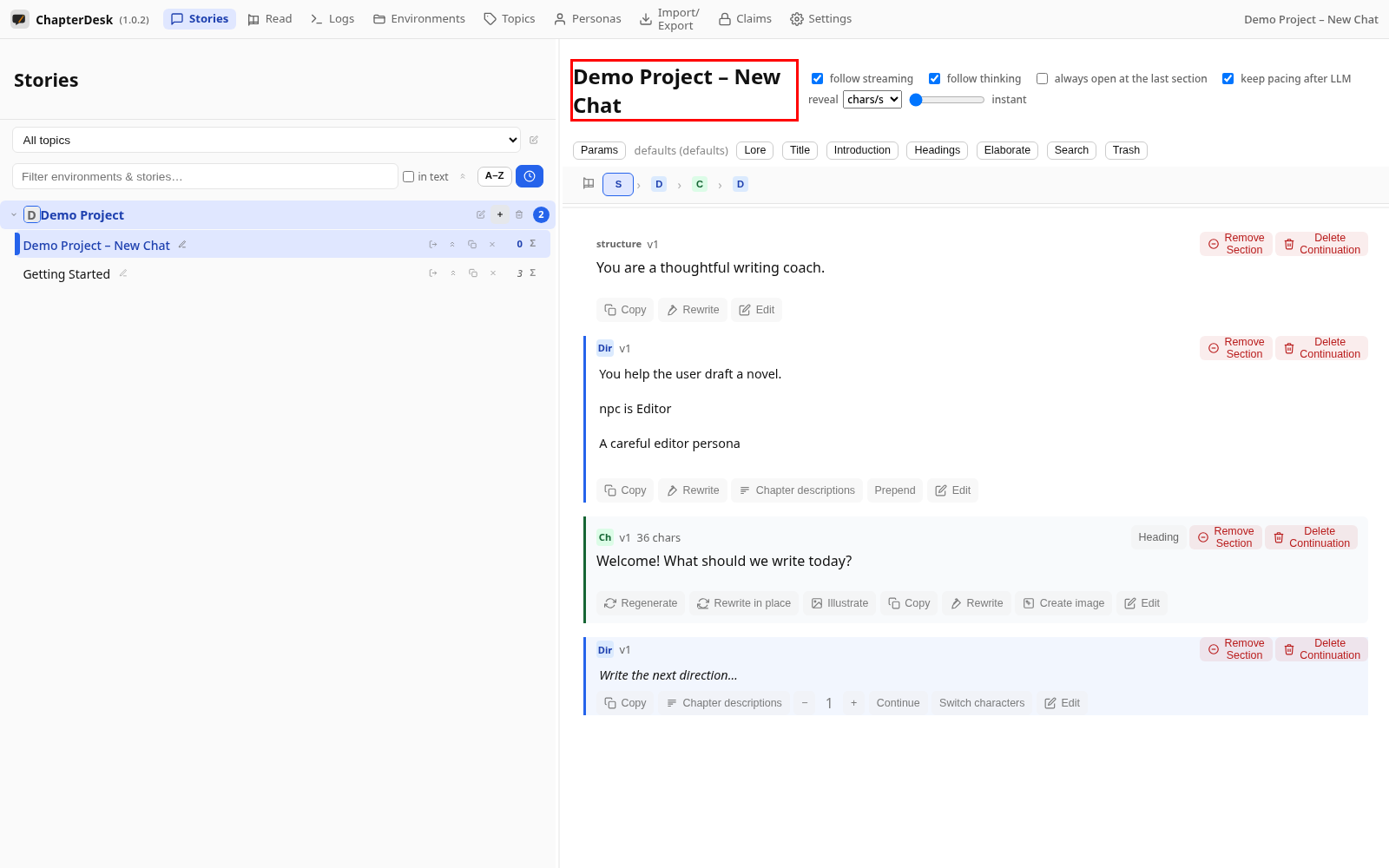
Step 02: Create a new story
Click New story in your book. ChapterDesk opens a fresh story with a welcome section.
Step 03: Write a direction
Click the composer at the end of the story and type what should happen next, then press Ctrl+Enter.
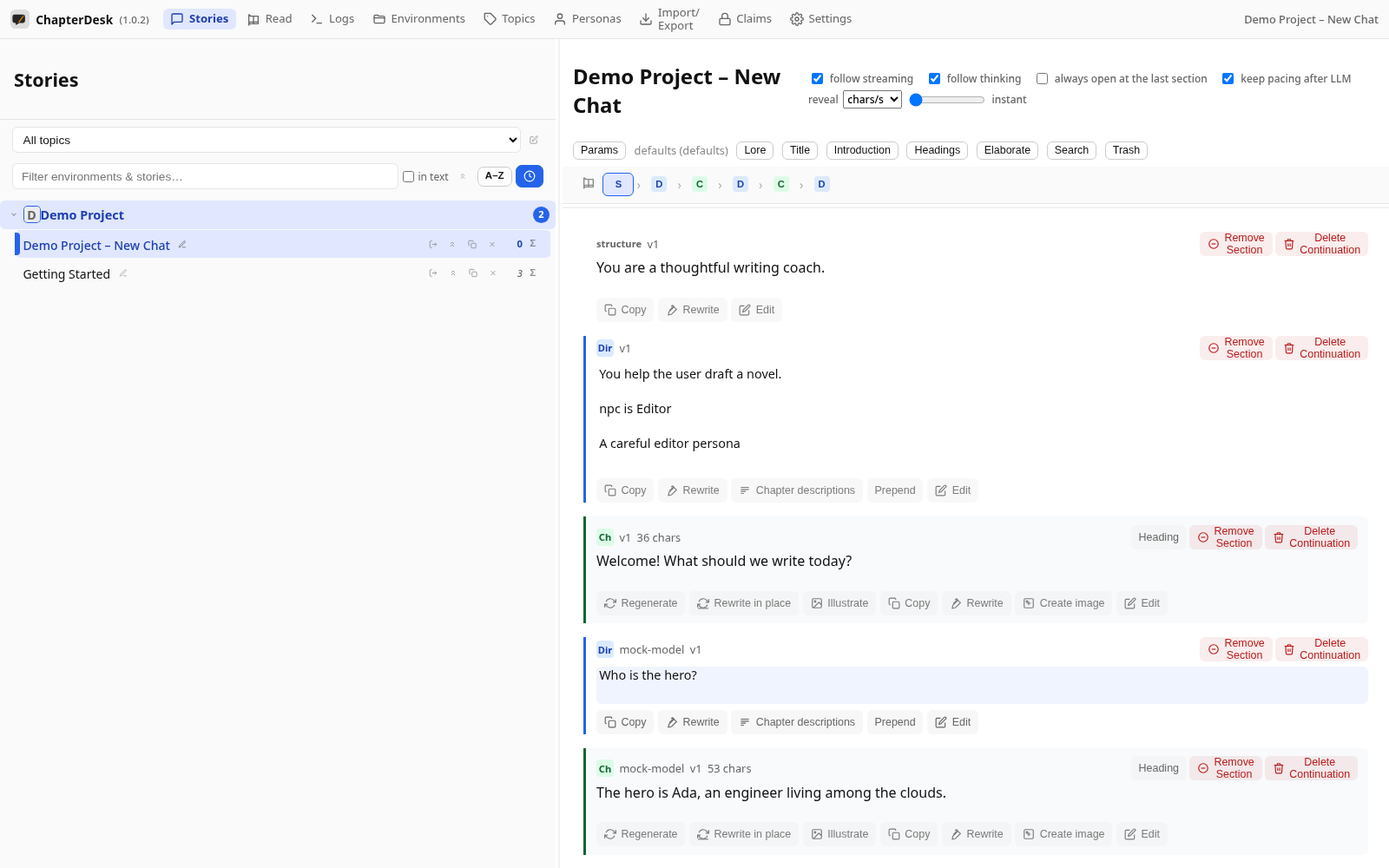
Step 04: Read the answer
The model streams its reply into a new chapter beneath your direction.