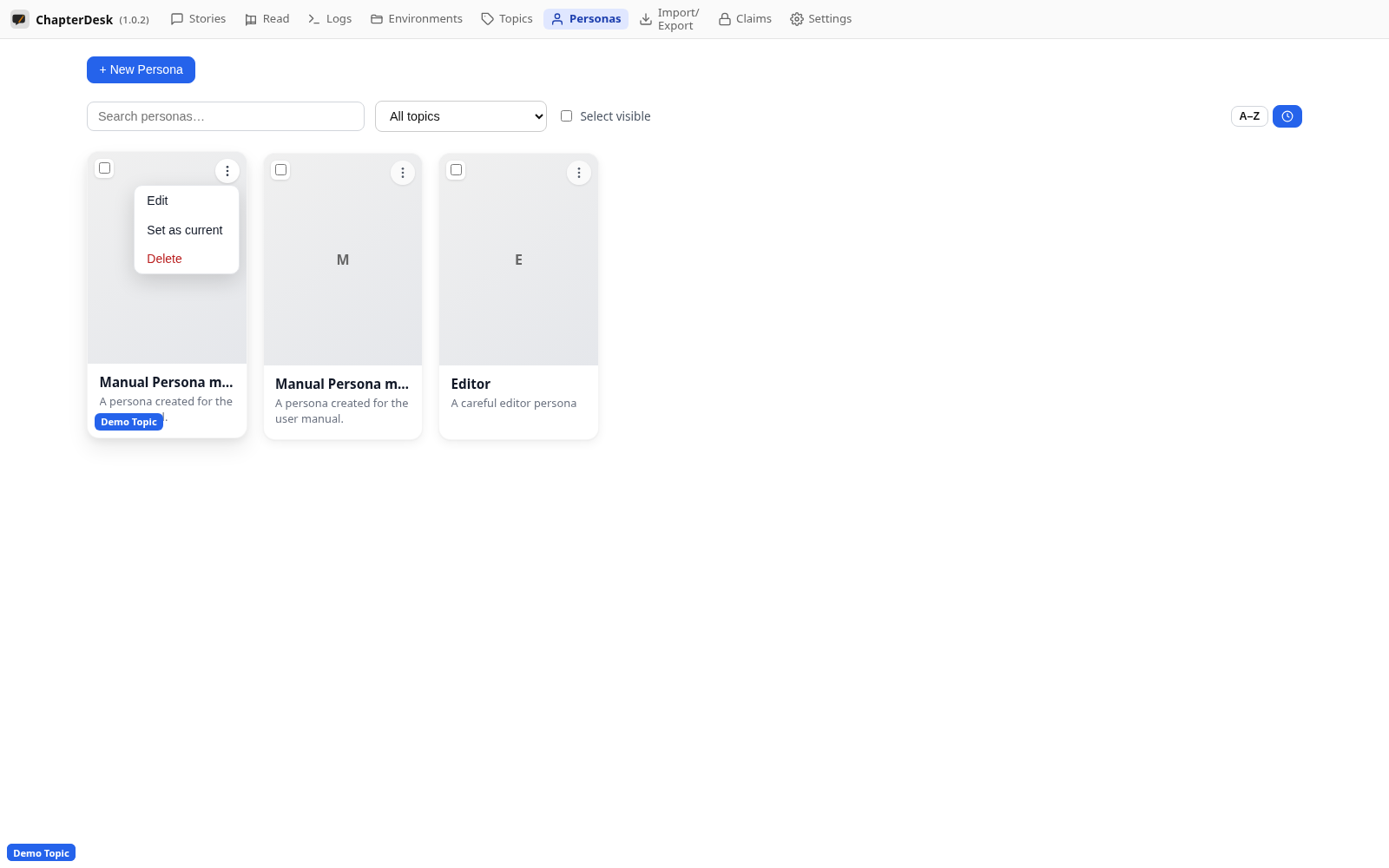
Personas
Auto-generated on 2026-10-26
Step 01: Open the Personas page
Use the Personas link in the top navigation. Personas are writing voices / narrators you can attach to environments.
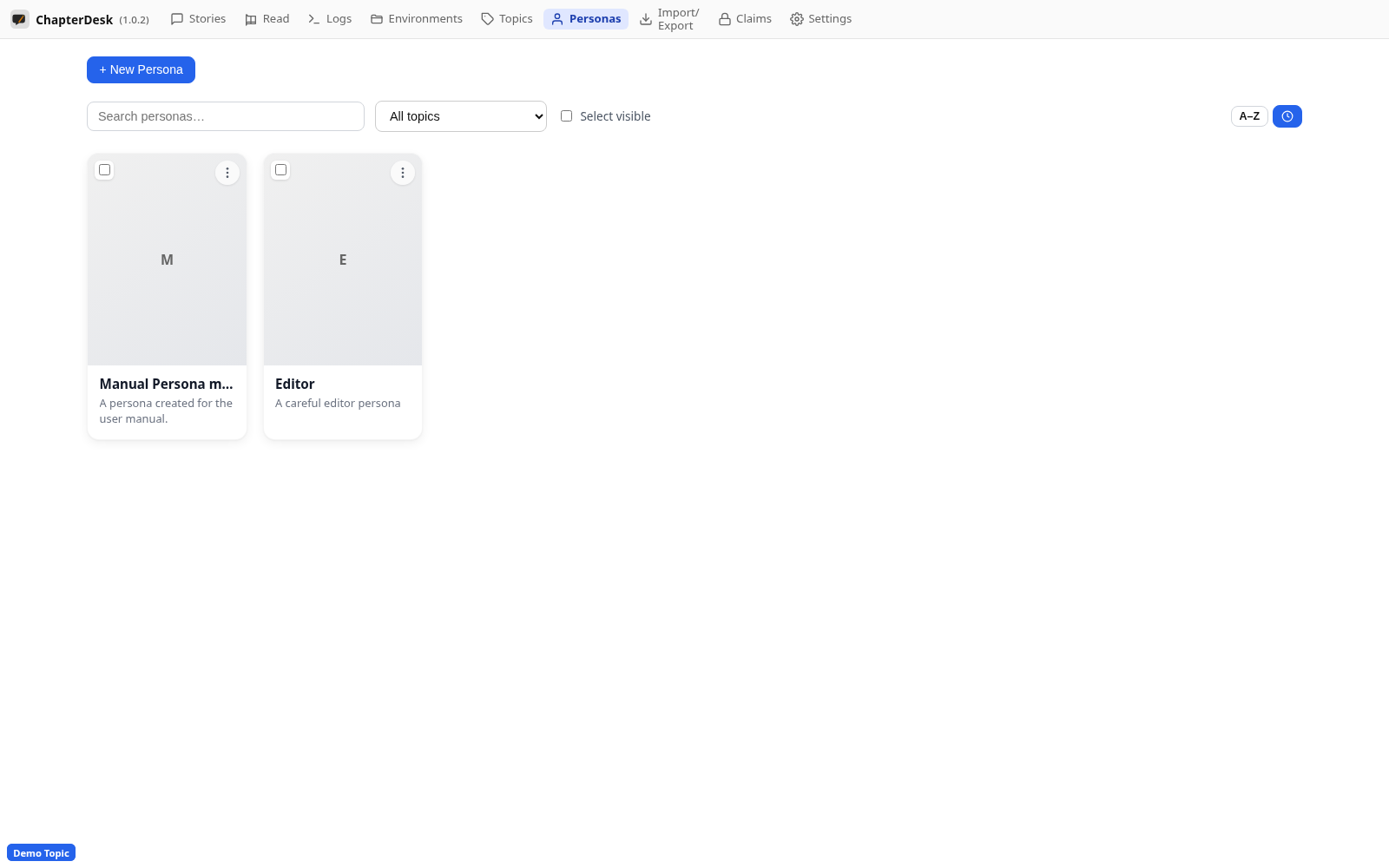
Step 02: Create a persona
Click + New persona, enter a name, short name and choose its main topic, then save.
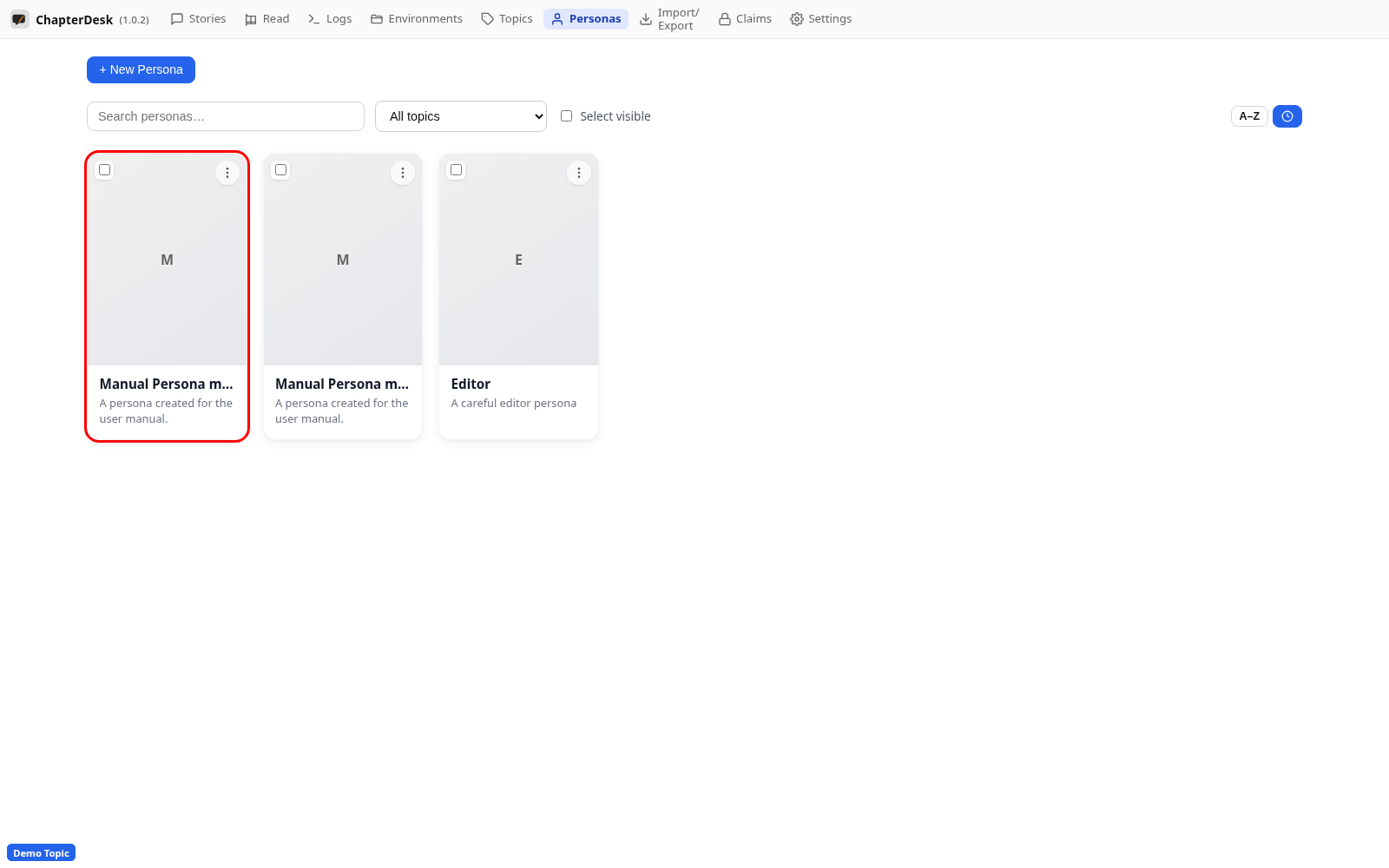
Step 03: Review the persona
The persona card shows its name and description. The card menu lets you edit, delete or set it as the current persona.