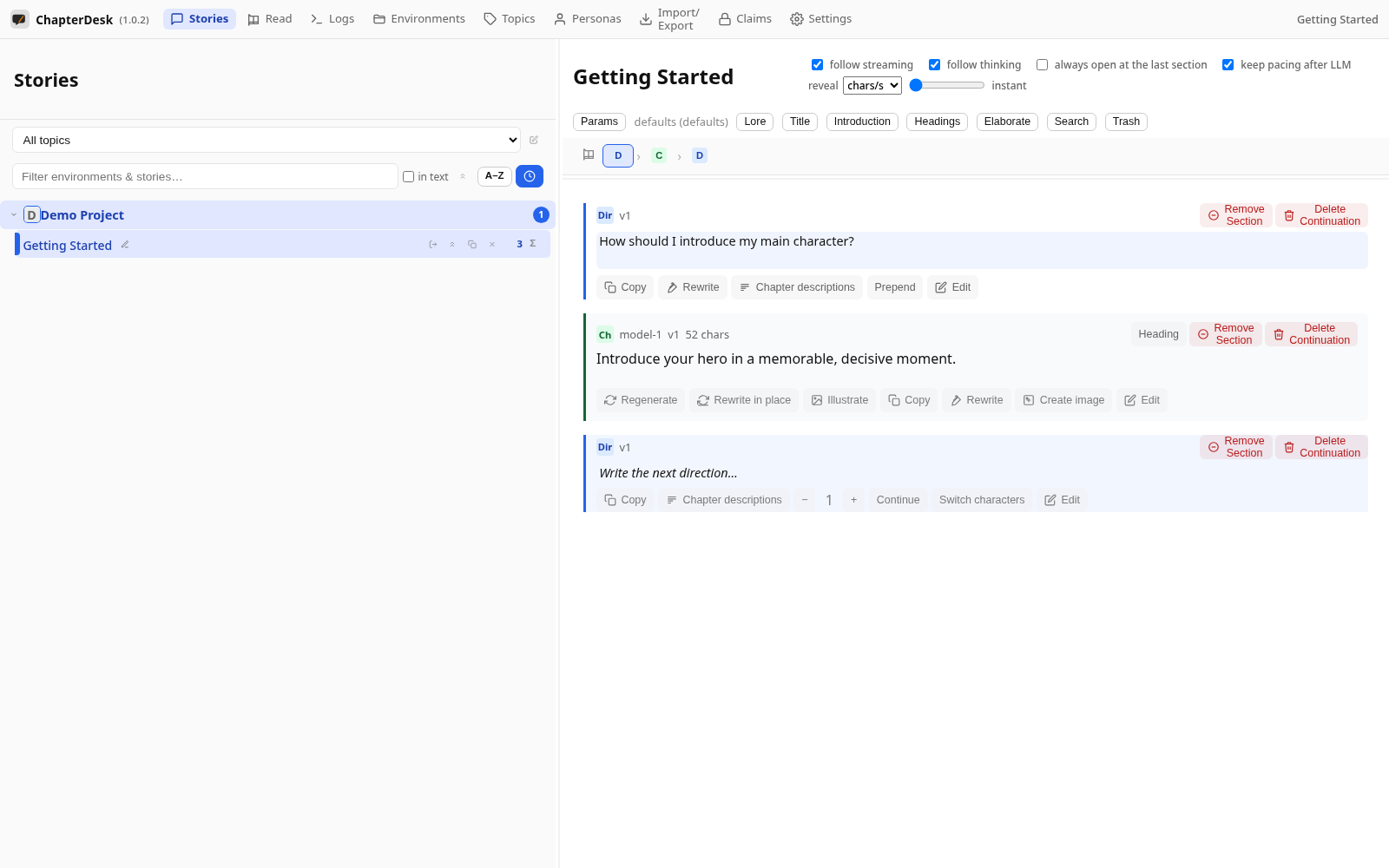
Section actions and the context menu
Auto-generated on 2026-10-26
Step 01: Open a story
Open the seeded Getting Started story.
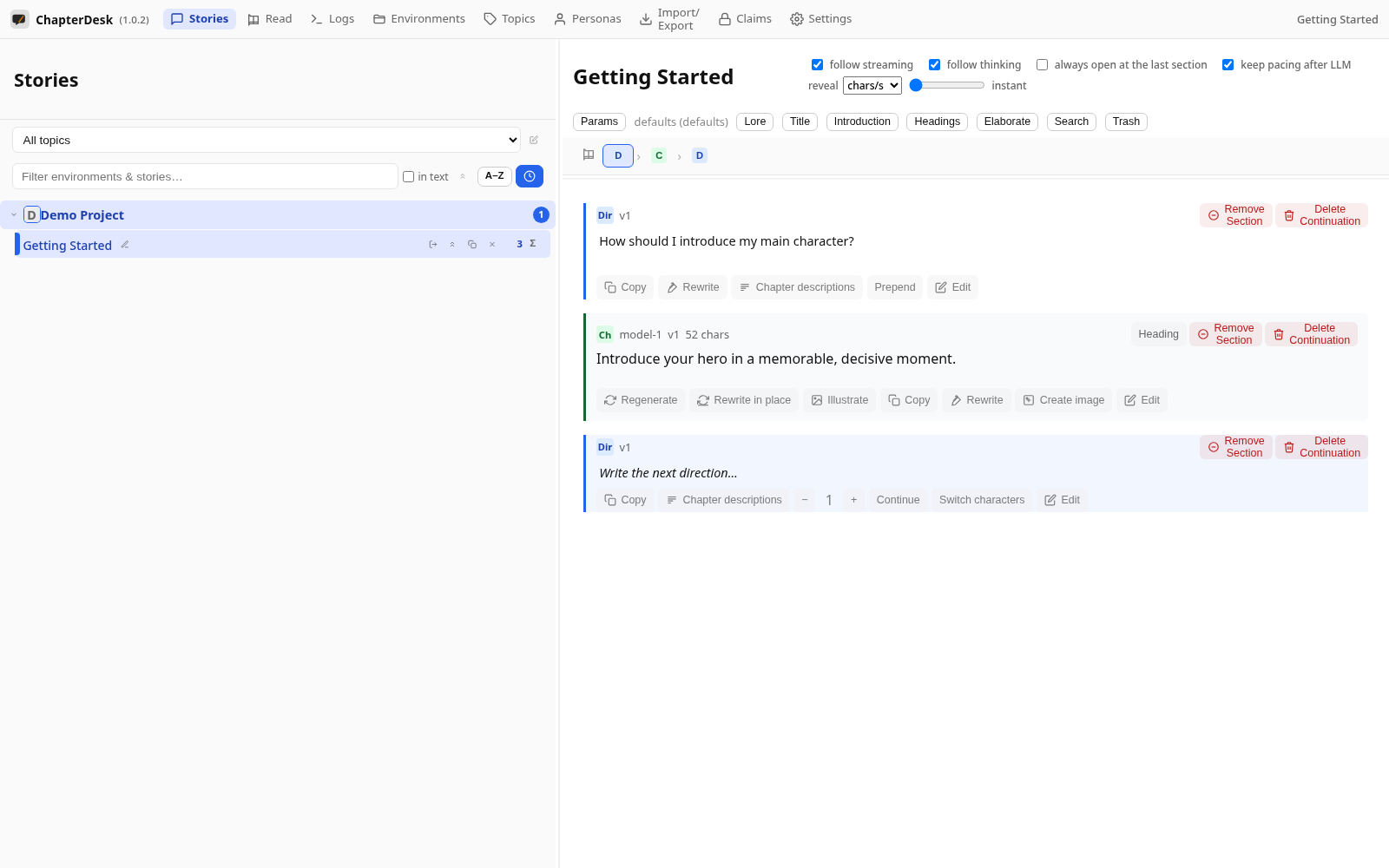
Step 02: Right-click a section
Right-click any section to open its context menu.
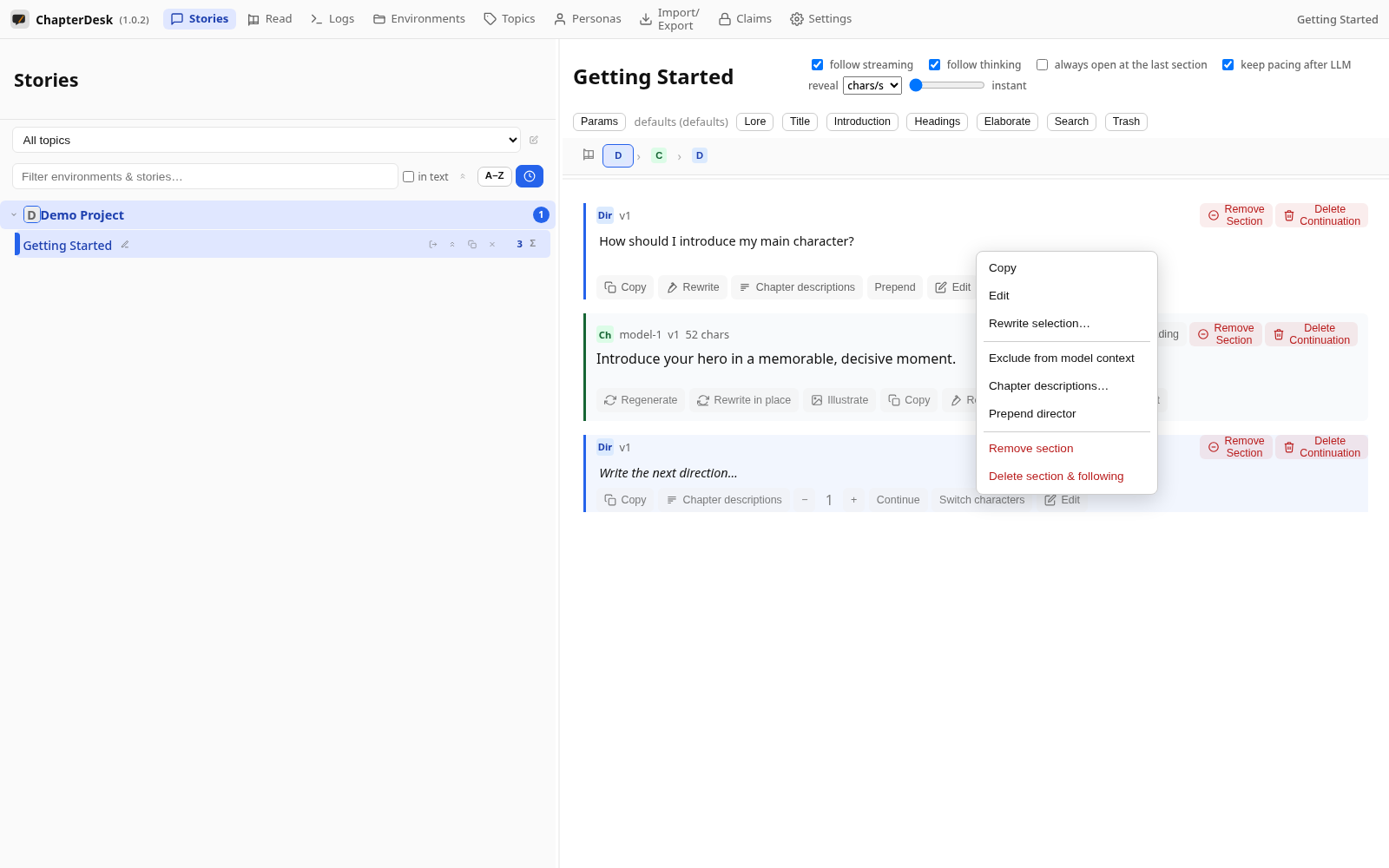
Step 03: See the section actions
The menu offers common actions: Copy, Edit, Rewrite, Exclude from model context, Remove section or Delete section & following.
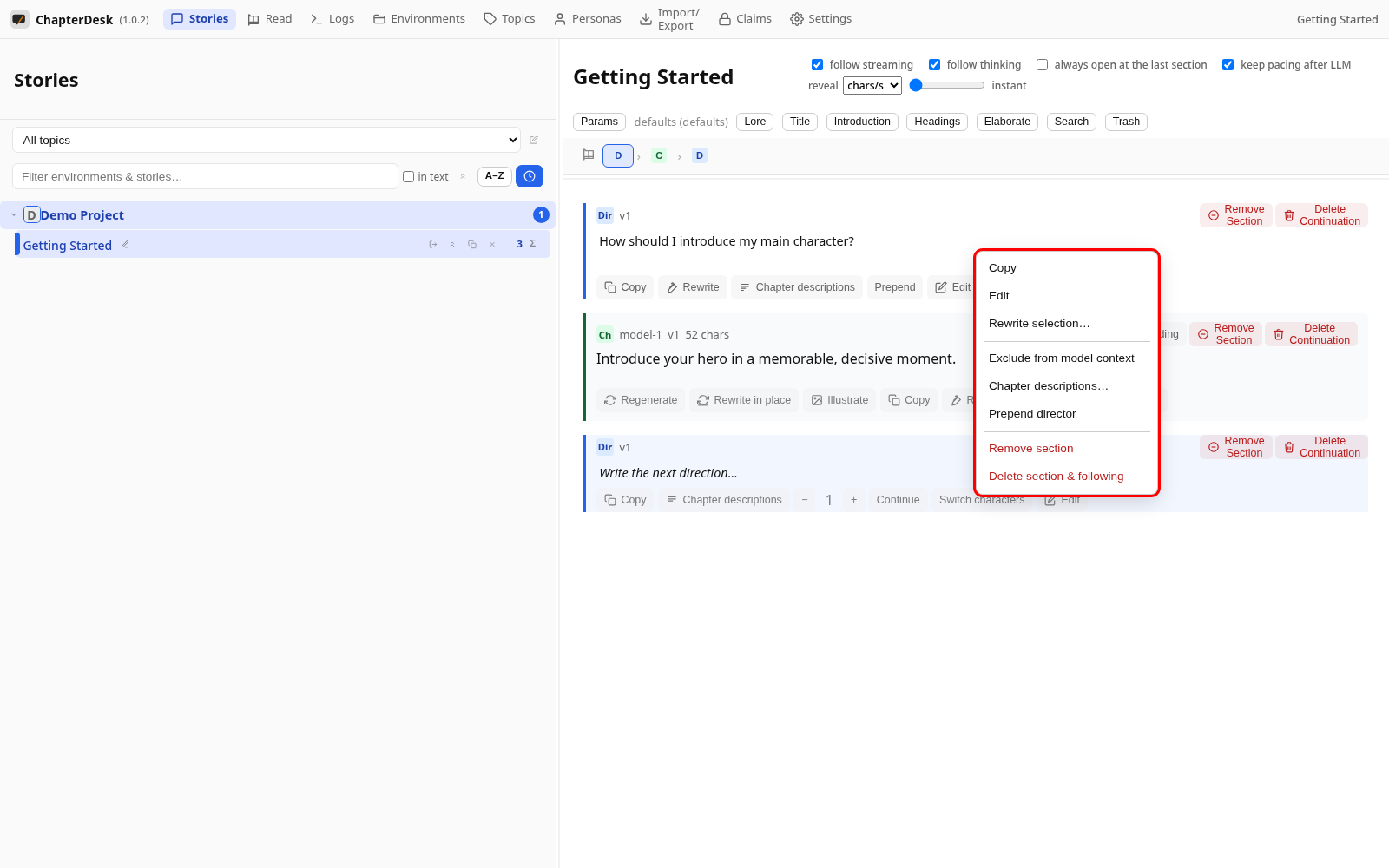
Step 04: Close the menu
Click outside (or press Escape) to dismiss the menu without changing anything.